GB.18
SWITCHING ON/OFF
Switching on
The multimedia system switches on au-
tomatically when the ignition is switched
on. In other cases, press the start/stop
button
.
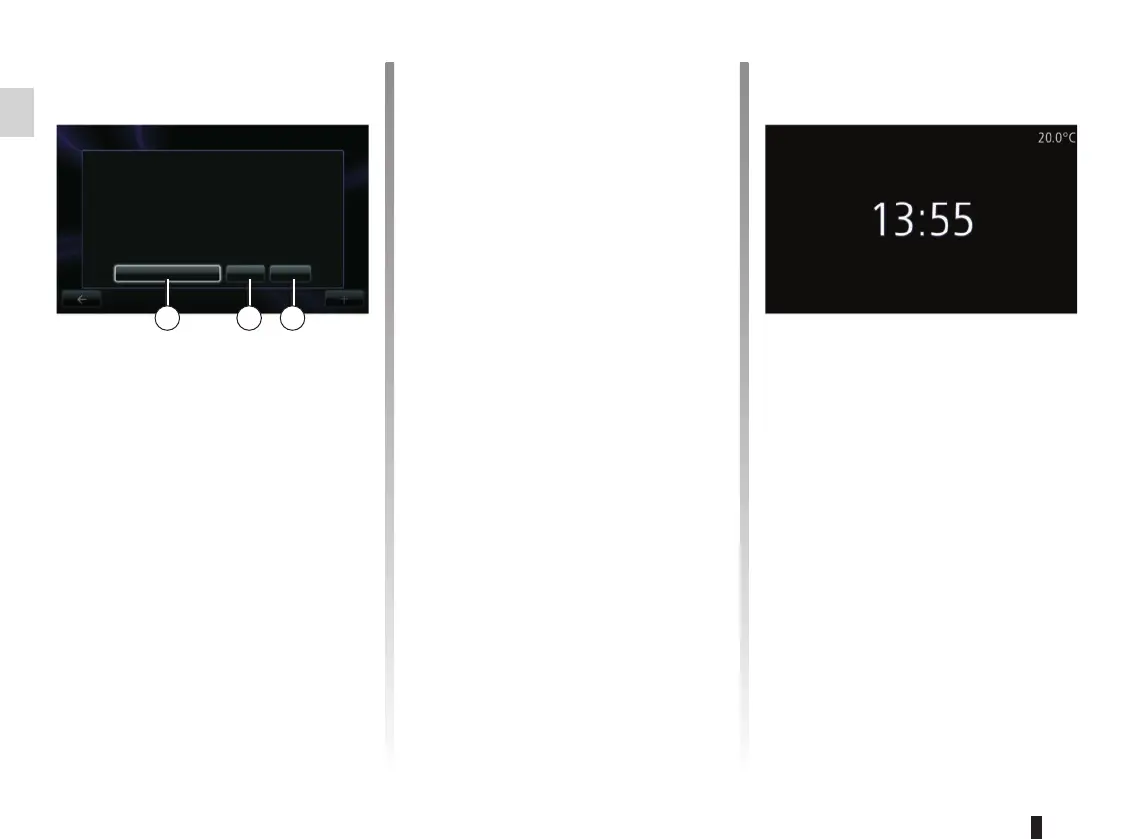
At start-up, the system displays a
safety screen to show you the state of
data sharing if connected. This screen
lets you set certain functions:
– Press “Change settings” 1 to author-
ise or reject data sharing.
Clock/temperature screen
(depending on the vehicle)
This screen is displayed when the driv-
er’s door is opened, before the ignition
is switched on.
It is displayed when the system is stop-
ped: with the ignition on, press the
audio system on/off button
. The
system then stops the guidance and
displays the clock and temperature.
– Press “Language” 3 to change the
system language.
– Press “Done” 2 to begin using the
multimedia system.
Switching off
With the ignition off, the system is deac-
tivated automatically when the driver’s
door is opened.
With the ignition on, press the audio
system on/off button .
Resetting the system
To reset all the system settings and/or
delete all personal data, select “System”
from main menu, then “Restore factory
settings” and follow the on-screen in-
structions.
Note: Resetting the system means de-
leting all the applications.
Safety
Data sharing authorised
Warning: always drive safely and obey local traffic regula-
tions.
You have selected to share information outside of this vehicle.
You can change this setting any time in the Services menu.
Change settings Done Language
1 2 3



 To Next Page