map
settings ............................................................(current page)
GB.39
ENG_UD29585_3
ULC/Réglages de navigation (ULC - Renault)ENG_NX_1023-3_NX_Dacia_0
Navigation settings
The “Navigation Settings” menu allows
you to change the display of the map or
navigation parameters.
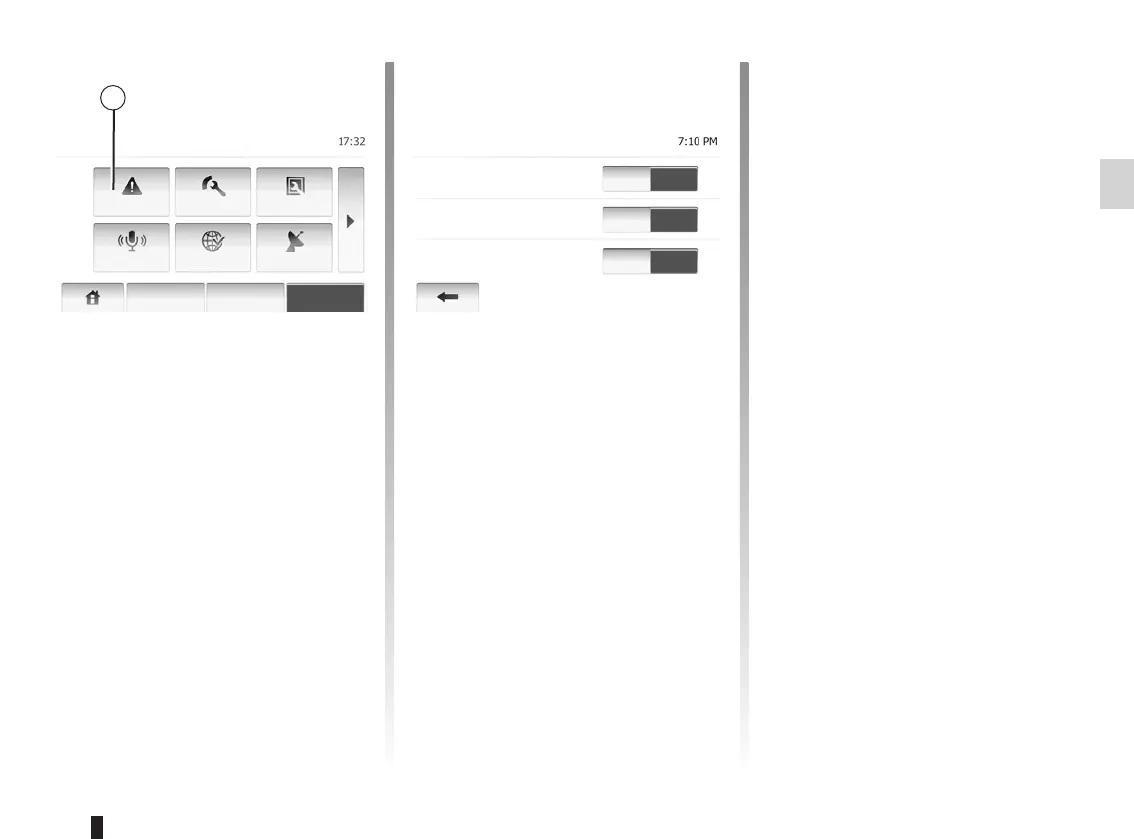
This item allows you to set up warnings.
Tap 1 to access menu of warnings.
Maps may contain information about
the speed limits of the road segments.
The system is able to warn you if you
exceed the current limit. This infor-
mation may not be available for your
region or may not be fully correct for all
roads on the map.
The following alert types are available:
– Audio warning: you receive a non-
verbal warning when you exceed the
speed limit.
– Visual warning: the current speed
limit is shown on the map when you
exceed it.
Tap “On” or “Off” to turn on or off the
warning.
You can set speed limits always visible.
This function can be turned on or off in
this menu.
When the driver passes an alert point,
a warning sign appears on the screen.
This function can be turned on or off in
this menu.
Off
Off
Off
On
On
On
Warn When Speeding
Speed Limit Always
Visible
Alert point warnings
Warnings
Navigation
Warnings
Route Settings
Map Settings
Voice
Settings
Coordinate
Format
GPS
Destination Route Options



 To Next Page