GB.14
SD CARD: USE, INITIALISATION (2/2)
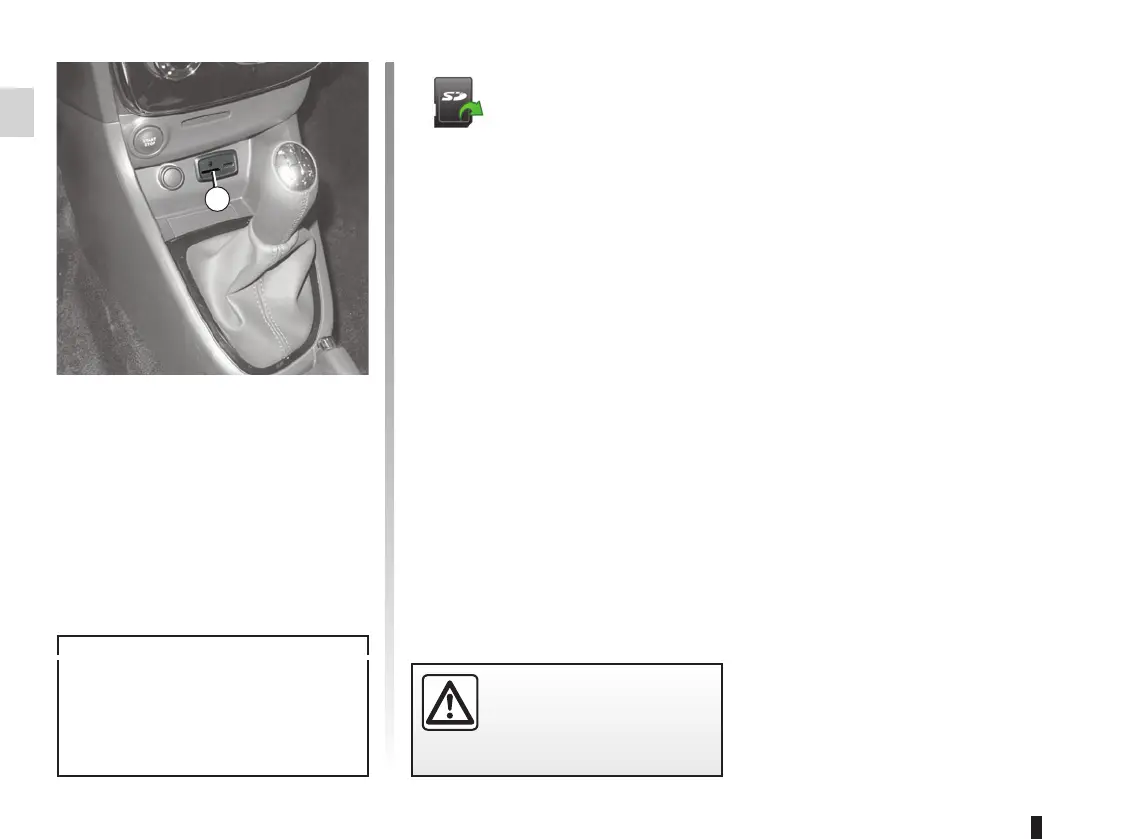
Inserting the SD card
With the ignition off, insert the SD card
in the SD 1 port of your vehicle.
An SD card is fragile:
– do not bend it;
– insert it correctly;
– do not force insertion.
1
For safety reasons, carry
out these operations when
the vehicle is stationary.
Removing the SD
card
From the main menu, press “System”,
then “Remove SD card” to eject the SD
card safely.
To remove the SD card from the SD 1
port, press the card, then release it.
The card will jut out of the slot by a few
millimetres. Pull the card to remove it
completely.



 To Next Page