GB.81
SYSTEM SETTINGS (2/3)
Speed sensitive volume
Allows automatic volume increase
with speed.
Computer voice
Enables the type of information
given by a synthetic voice to be ad-
justed.
Voice
Enables the system voice to be
chosen. Please refer to the “Volume
and voice” section for further infor-
mation.
Clock
This menu is used to set the system
clock and the time display format. It is
recommended to keep the automatic
setting.
Safety warnings
This menu enables the alerts provided
by the system to be activated or deac-
tivated. Tick the alert boxes you wish
to activate.
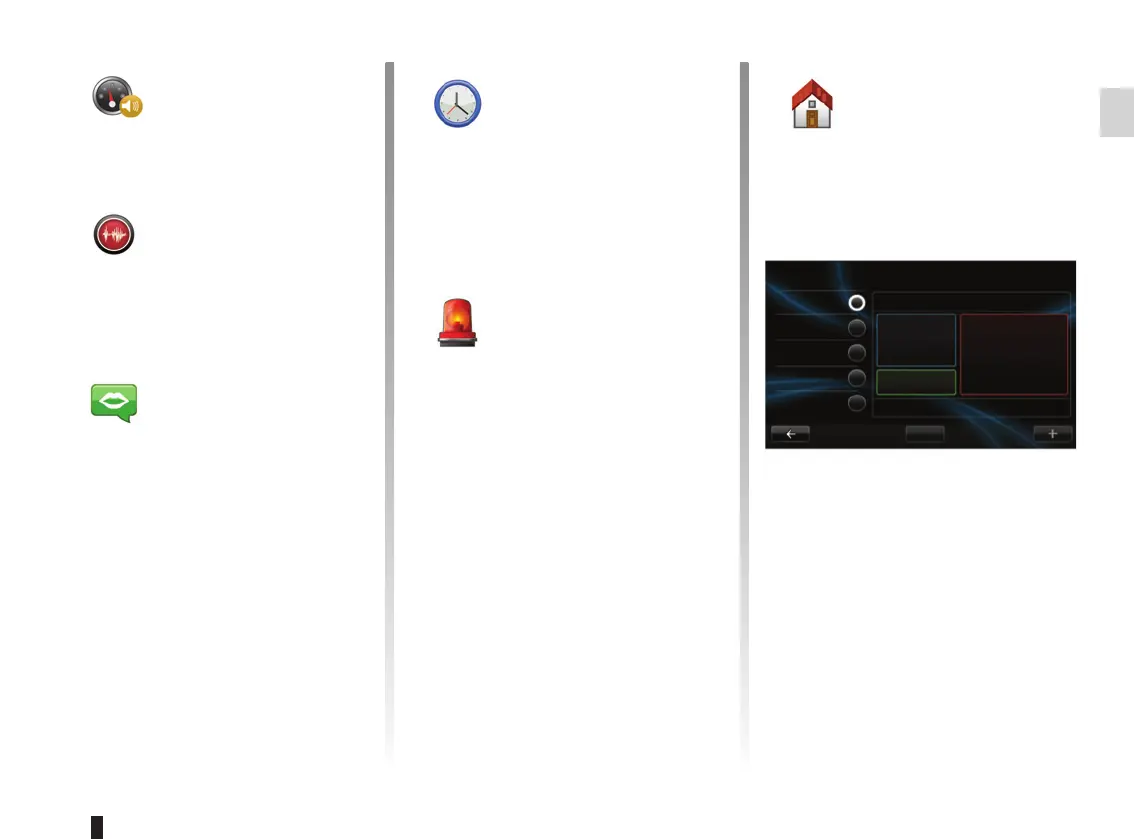
Home screen
This menu sets the configuration of the
welcome screen.
Choose one of the configurations from
the left-hand list. The right section
of the screen gives a preview of the
changes. According to the equipment
of your vehicle, the number of configu-
rations may be reduced.
Once you have chosen a configuration,
press the “Done” button to confirm your
choice.
Change Home Page
Home screen 1
Home screen 3
Driving Eco²
Done
Home screen 2
Music
Navigation
Home screen 4
Home screen 5



 To Next Page