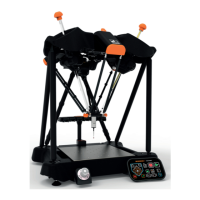
• When part 1 has finished, the following message is displayed (Please close all programs. Then run
LocateRackPart 2 (located in Diagnostics)).
• Click “OK” to this message.
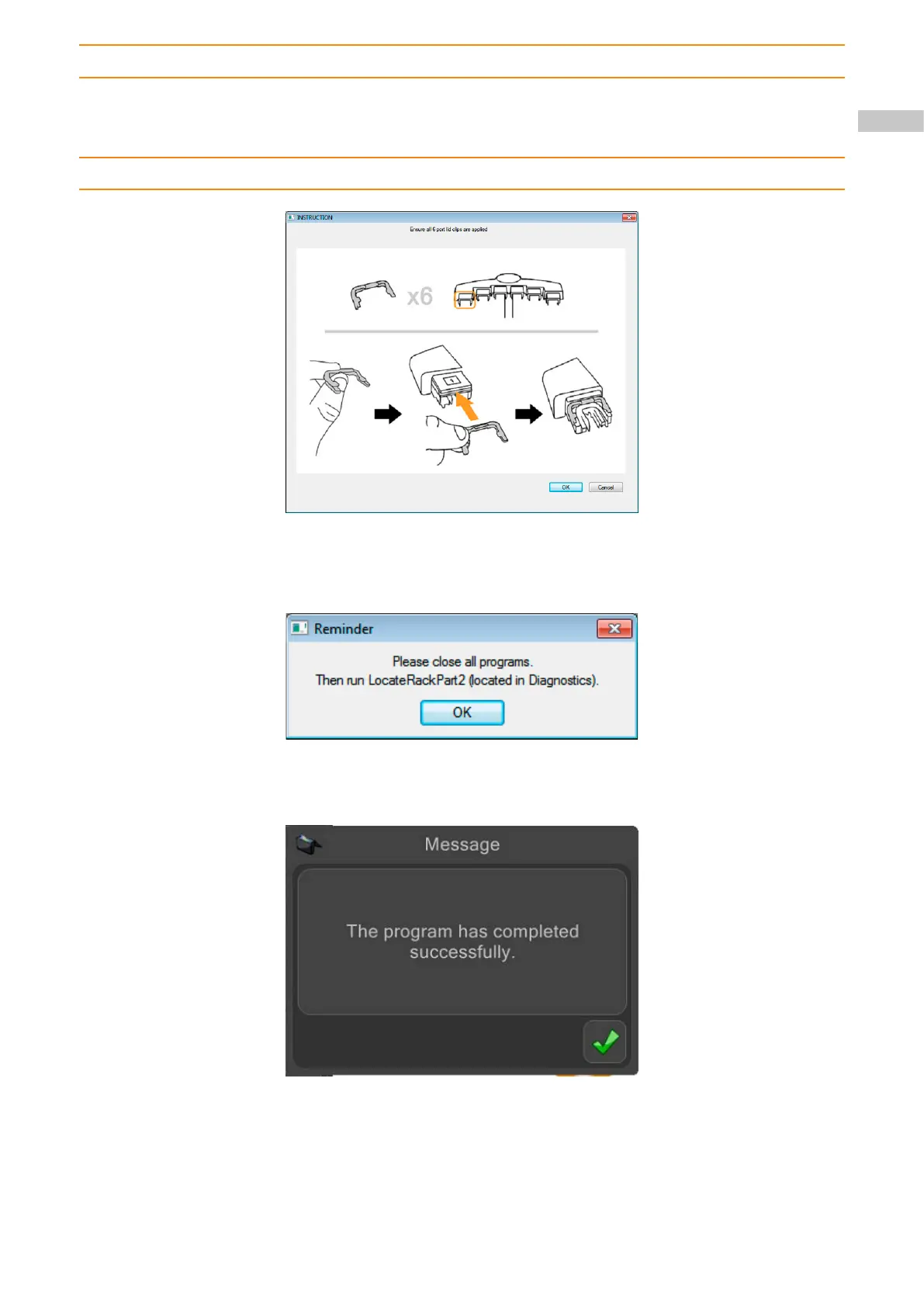
• The following message is displayed (Ensure all 6 port lid clips are applied).
• Insert the port lid clips as instructed and click “OK” to continue.
NOTE: The probe will now begin to move and start to calibrate the rack.
NOTE:The probe will now move to a safe position.
• The following message is displayed (The program has completed successfully).
• Click the “green tick” to continue.
• Close all programs and continue with part 2.
71


 To Next Page