72
Locating the EQR-6 autochange rack - Part 2
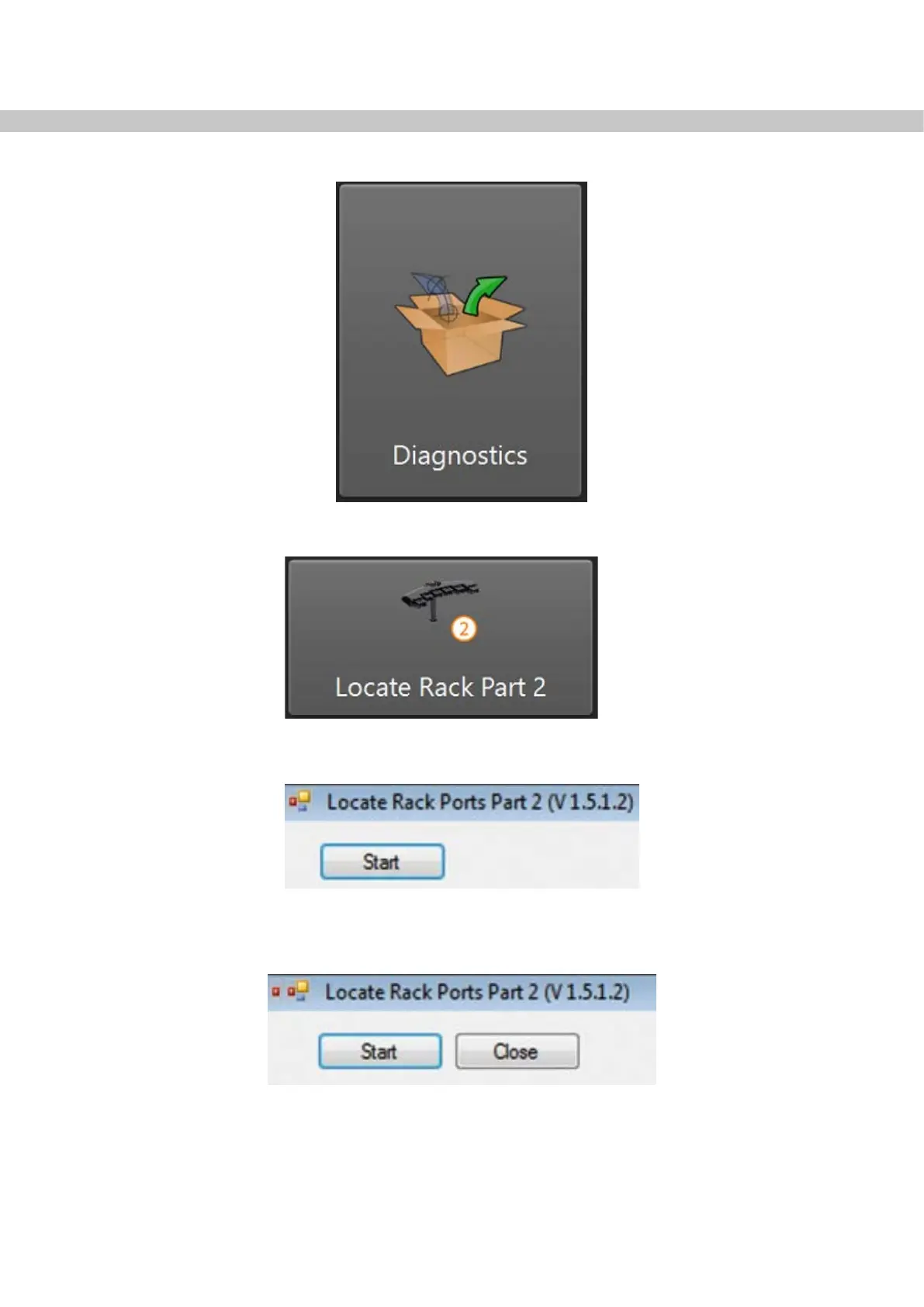
• In Manager, click “Diagnostics”.
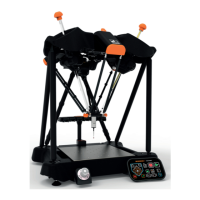
• Click “Locate Rack Part 2”.
• The program will open. Click on the “Start” button, located in the top left of the screen.
• The rack is now fully located.
• Click the Close button, located to the right of the Start button.


 To Next Page