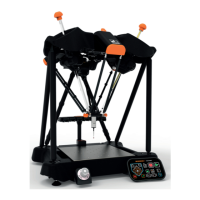
73
System shutdown
NOTE: Prior to shutting down the system, if there is a fixture plate fitted to the system, it must be
removed. If you are unable to remove the plate due to the location of the probe assembly, move the
probe assembly clear, then remove the fixture plate.
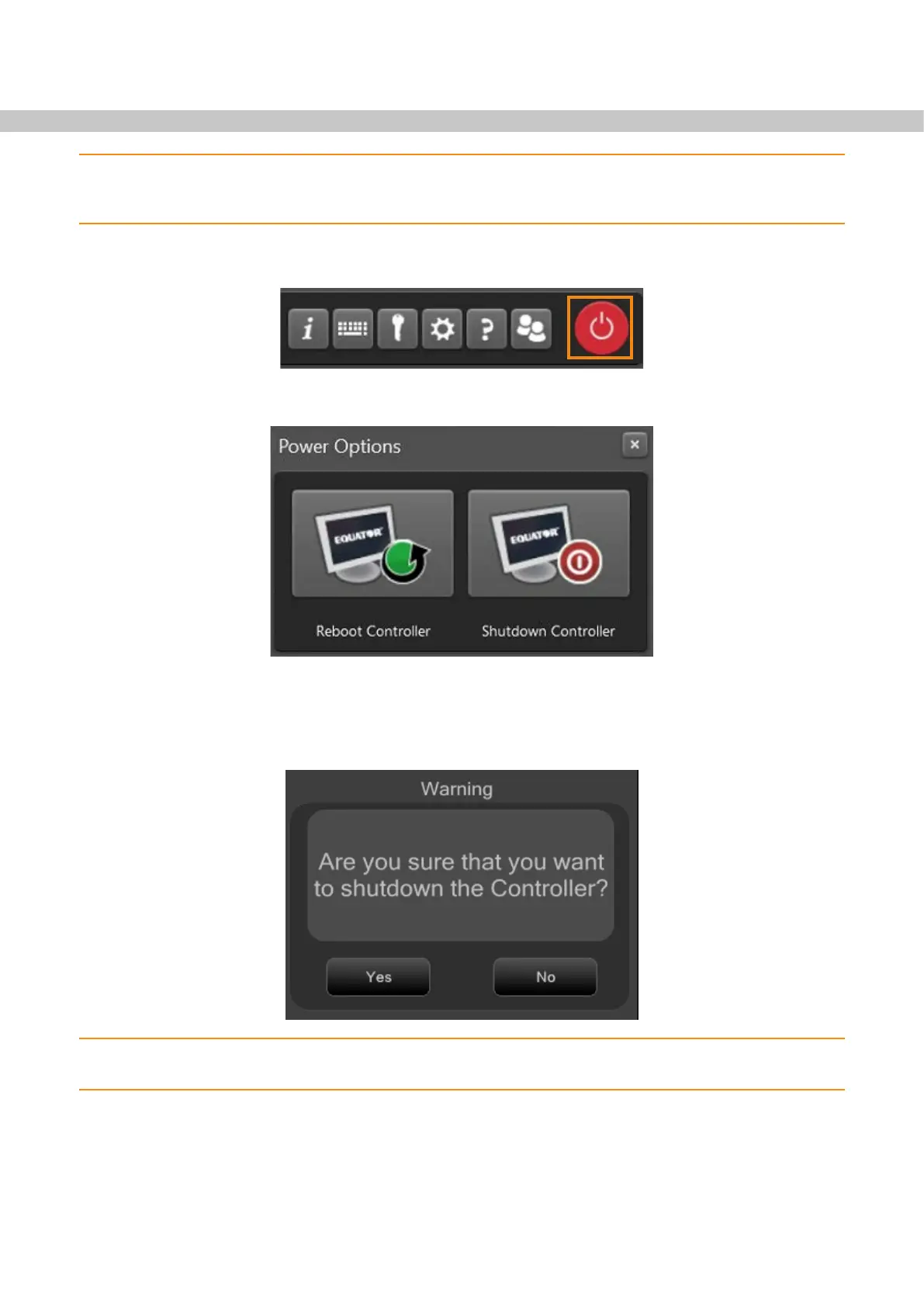
• To shutdown the system, click on the “system shutdown” button within the taskbar.
• Click on “Shutdown Controller” button.
• The following message is displayed (Are you sure that you want to shutdown the Controller?).
• Click “Yes” and the system will shutdown.
NOTE: If park is enabled and the docking mechanism is present, the Equator 300 system will park
prior to shutting down.


 To Next Page