Data management process
60
Data management process
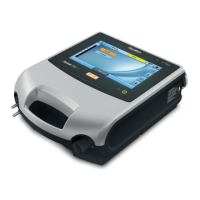
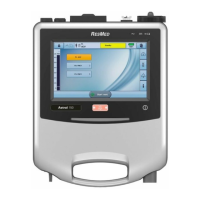
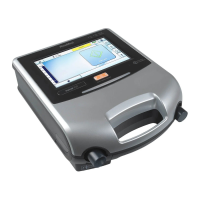
Monitoring data from the Astral device can be viewed in the ResScan™ patient management software.
Data is transferred from the device to ResScan using a USB stick. Once downloaded to ResScan, the
data can be viewed in several report formats to easily monitor treatment results and compliance.
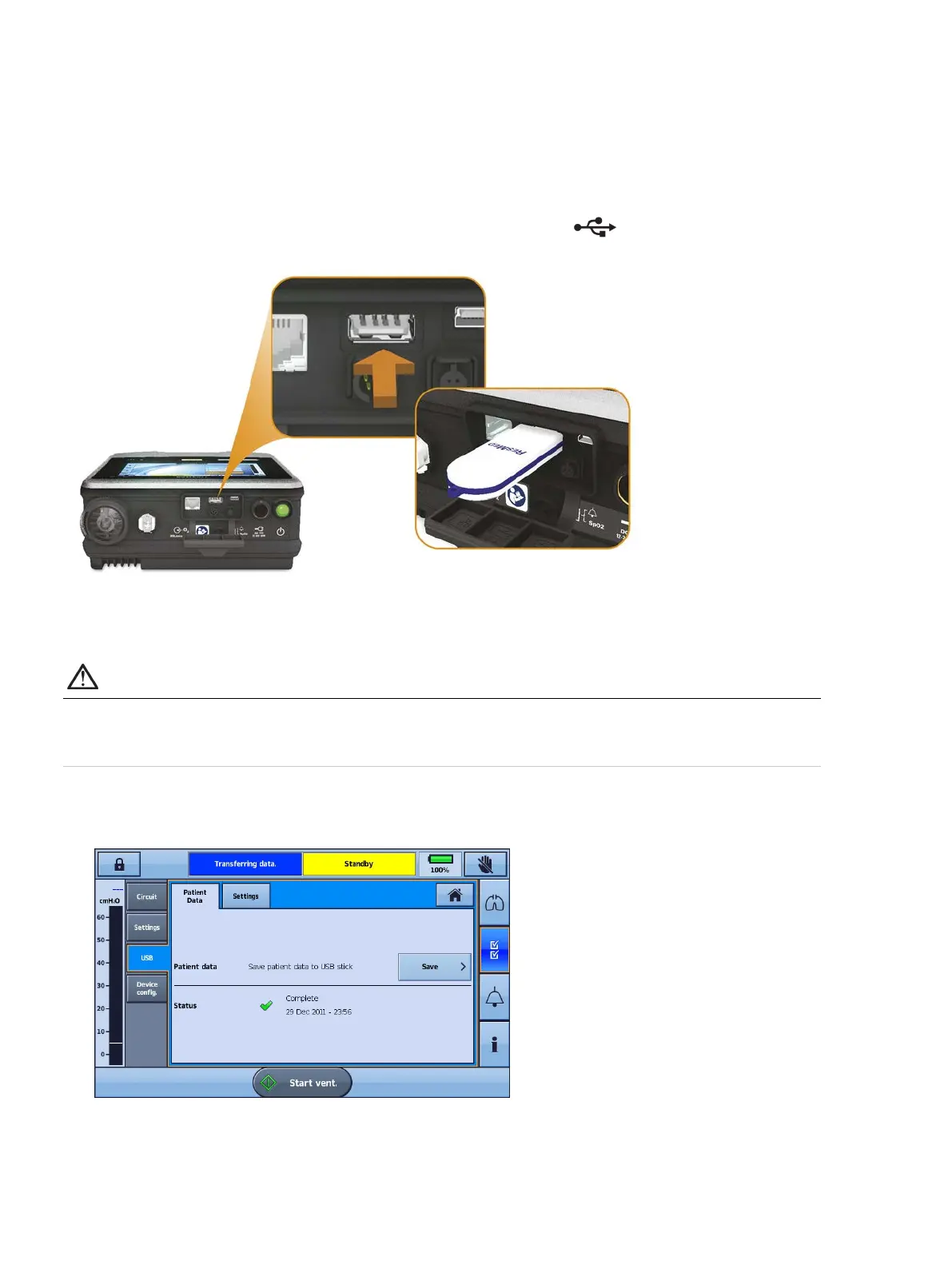
To connect the ResMed USB to the Astral device:
Plug a USB stick into the USB connector at the rear of the device. The
symbol is displayed in the
Information bar to indicate the USB is attached.
To remove the USB stick, simply pull it out of the USB connector on completion of transfer. If data was
being transferred at the time, a message in the Information bar alerts you to a failed transfer.
WARNING
Only connect devices specially designed and recommended by ResMed to the data
communication ports. Connecting other devices could result in patient injury, or damage to the
Astral device.
To transfer data:
1. From the Settings menu select Patient Data from the USB sub-menu.
2. Press Save >. When the transfer is complete a status message is displayed.
3. Press Clear to acknowledge you have read the message and enable further transfers.
4. Remove the USB stick from the Astral device.
5. At the computer where ResScan is installed, plug the USB stick into the USB port.
6. Follow the download procedure specified in the ResScan User Guide.


 To Next Page
 Loading...