Chapter 8
Component Removal/Installation
REF 1029568 Rev B BiPAP Focus Ventilator Service Manual © Respironics, Inc. 8-7
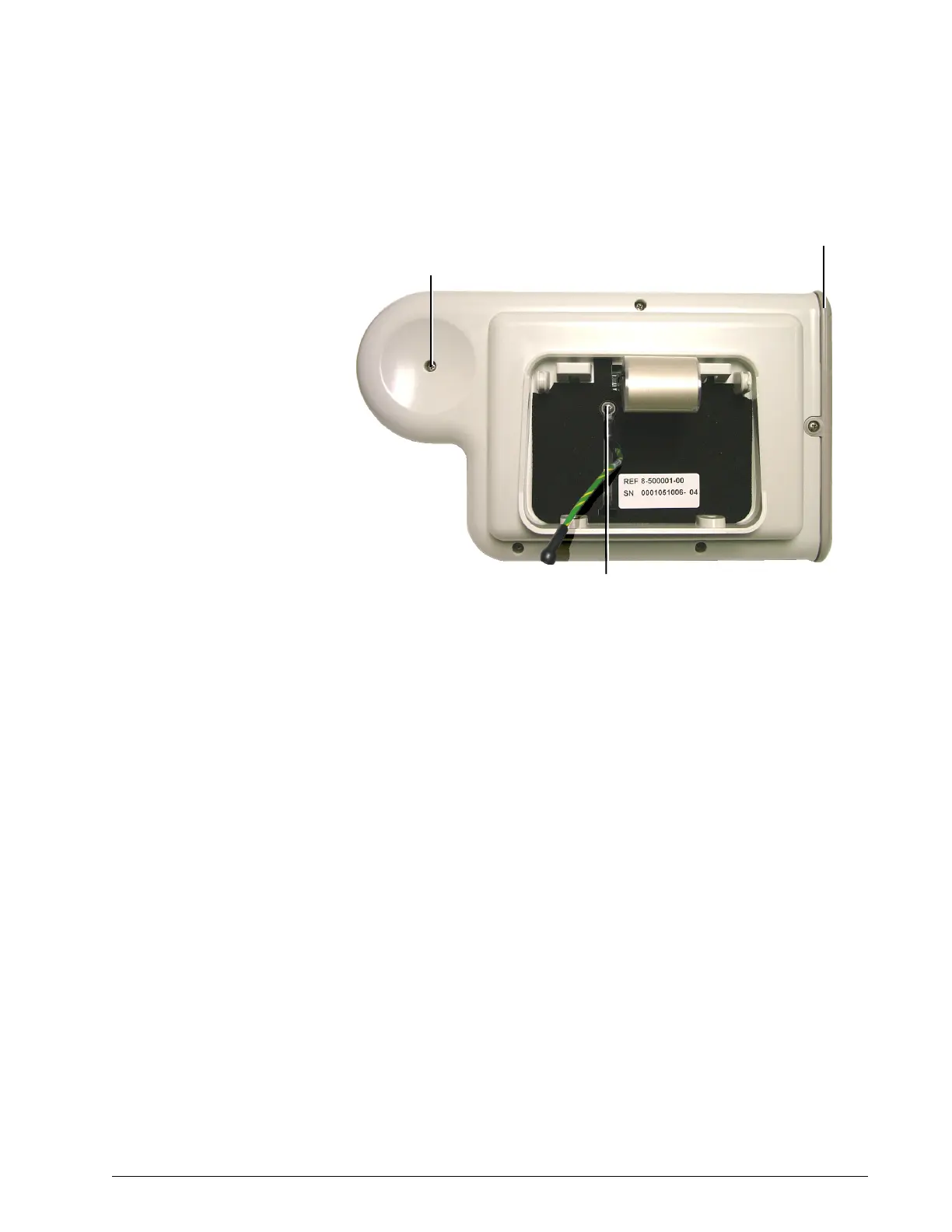
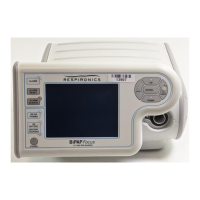
Figure 8-7: Display Assembly and Ground Cable Connection
4. Remove the screw from the ground cable retainer on the display
assembly.
5. Remove the 5 screws from back of the display assembly.
6. Remove the side cover.
7. Carefully open the display assembly, taking care not to damage the
ribbon cable and ground cable between the VGA LCD and VGA
interface PCB.
8. Pull the ground cable through the rear display cover and completely
open the display assembly.
9. Remove the 4 screws that secure the VGA LCD and VGA interface
PCB.
10. Disconnect the cables from the VGA interface PCB.
Side cover
Ground cable retaining screw
Screws (x5)
(5 lbf-in., 57 N cm)


 To Next Page