Chapter 6
Ventilator Communications
REF 1029568 Rev B BiPAP Focus Ventilator Service Manual © Respironics, Inc. 6-11
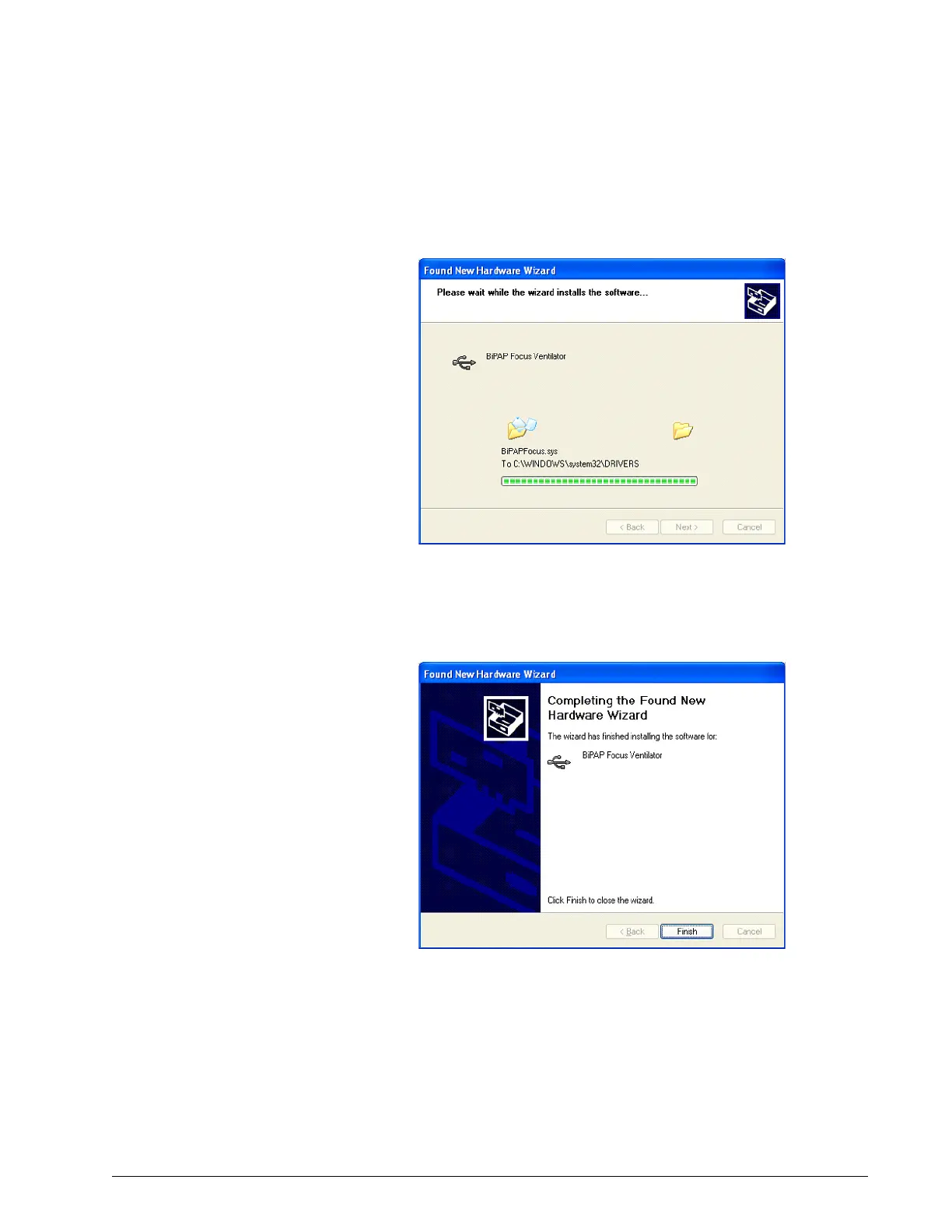
17. The Found New Hardware Wizard begins installing the software
(Figure 6-19).
Figure 6-19: Found New Hardware Wizard - Progress Window
18. Once the software installation is complete, click Finish to complete
the installation (Figure 6-20).
Figure 6-20: Found New Hardware Wizard Complete
19. Leave the ventilator in Download mode to begin ventilator software
Installation.


 To Next Page