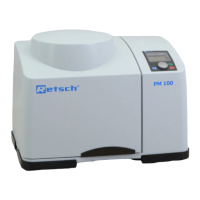
Attachment point for hoist
Holds the grinding chamber cartridge in
position
Takes the sample material
Switches the device on and off, disconnects
the device from the mains
Lists, among others, the voltage type, the
serial number and the type of the device
Reminds to read the manual
Warning sign "Disconnect from
the mains"
Warning of electric shock
Connection for the power cable
6.4 Switching On / Off
Turn on the SR 300 with the mains switch (I) on the back side of the device.
When the device is switched off, it is completely disconnected from the mains.
6.5 Opening and Closing of the Device
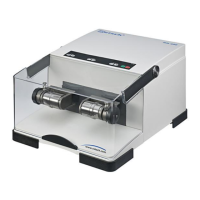
The SR 300 has a double locking mechanism (K) that locks the door both, mechanically and
electrically. The electrical locking mechanism is closed by pressing the button, and by
pressing the button opened again after the motor has come to a complete halt. The
mechanical locking mechanism is closed or opened by actuating the locking lever (H) and the
catch mechanism (J).



 To Next Page