15
GA--A 181
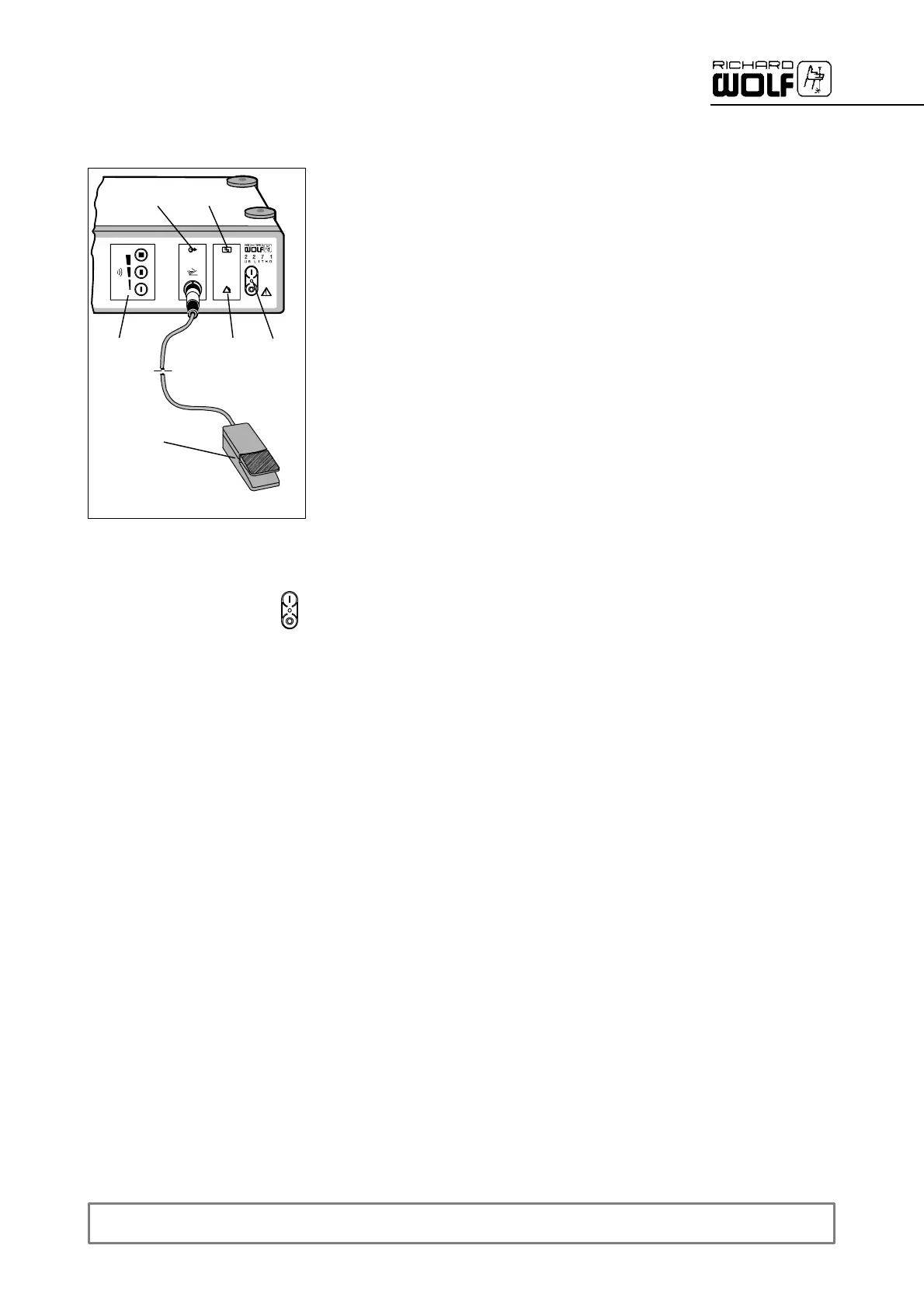
5.3.1 Controls and indicators of Ultrasound Generator 2271 (US--LITHO)
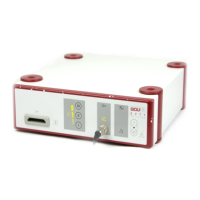
The Ultrasound Generator is switched on and off by means of mains/
power switch (1) with green LED.
To preselect the required power stage, actuate the corresponding inten-
sity button (4).
Actuating the foot switch (14) triggers two functions:
-- The transducer is activated.
-- The suction rate increases to the preselected value.
When the footswitch is depressed, the “ footswitch actuated” indicator
lamp (5) lights up.
Malfunctions of the transducer are indicated by the “transducer malfunc-
tion” warning lamp (6).
Malfunctions of the generator are indicated b y the “generator malfunction”
alarm lamp (7).
5.3.2 Ultrasound Generator ON/OFF
Z To switch the Ultrasound Generator on/off, use mains/power switch (1).
' The green LED (1) on the power switch and the background illumina-
tion of the warning/signal lamps as well as the intensity buttons light
up.
.
IMPORTANT!
If the LED and the background illumination remain dark after switching on
or if the “transducer malfunction” warning lamp (6) or the ”generator mal-
function” alarm lamp (7) light up, follow the troubleshooting list under
section 7.1.
5
1
4
14
7
6


 To Next Page