22
GA--A 181
6.4.3 Main menu
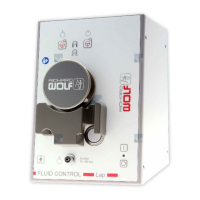
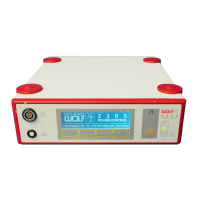
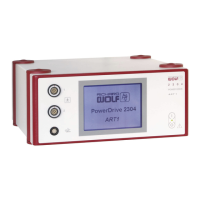
The main menu lists all devices connected to the RIWO NET SYSTEM.
Selecting a device calls up and displays the corresponding device menu.
6.4.4 Ultrasound output function
Z The “Ultrasound output” menu item serves to preselect the output
power stage 1, 2 or 3 of the ultrasound transducer.
6.5 System messages
.
IMPORTANT!
If you cannot eliminate the fault or error with the help of this table, please
contact the service department or return the device for repair.
' Do not attempt to do any repairs yourself!
L Depending on the status or error state the POWER CONTROL displays
the following messages on the RIWO--NET menu monitor:
6.5.1 Operating instructions
Message type Message text Possible cause Remedy
Operating
instruction 1
Maximum output selected
Stage 3 i s s elected, although this
stage has already been selected.
' -- -- -- --
“+ Voice output” = In the c ase of the system messages marked with this symbol an additional acoustic warning is sounded
(only if the “ Voice output” option is available).
6.5.2 Warnings
Message type Message text Possible cause Remedy
Warning 1 Malfunction of transducer or sonotrode
Sonotrode is not in resonnance
because the sonotrode is not firmly
bolted down, the flange surfaces of
the sonotrode or transducer are
soiled or the wrong power setting
has been preselected.
'Firmly bolt down the sonotrode
'Clean the flange surfaces of the
sonotrode or transducer
'Select a different power stage.
6.5.3 Error messages
Message type Message text Possible cause Remedy
Fault 1 Ultrasound output power too high
When actuating the footswitch, for
1 second the current ultrasound
output power is higher than the
preselected power.
'Contact the service dpt.


 To Next Page