11
4.4.3. MultiSWR mode
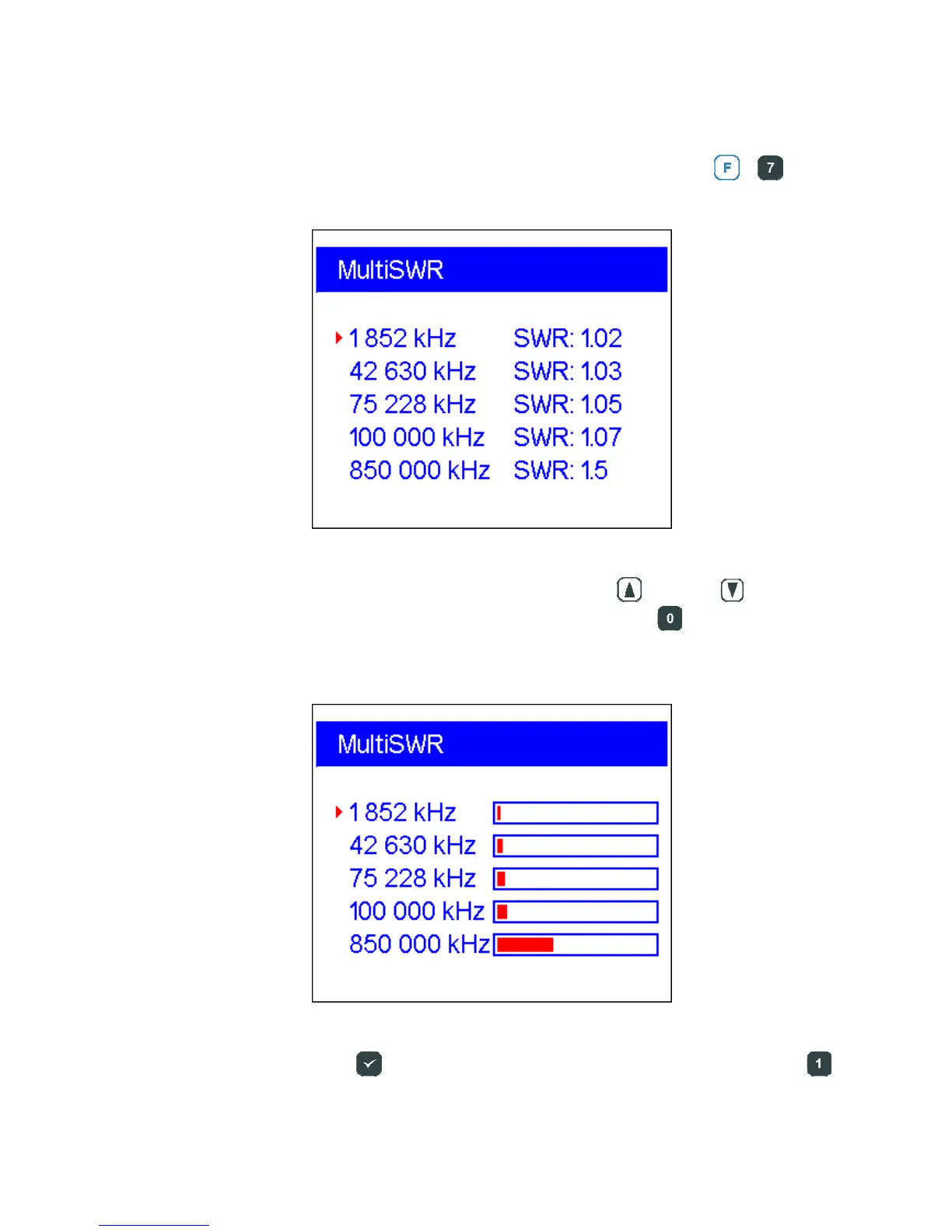
RigExpert AA-600, AA-1000 and AA-1400 have an ability to display SWR for up to
five different frequencies at a time. This mode is activated by pressing
+
key
combination in the Main menu:
You may use this feature to tune multi-band antennas. Use
(up) and (down)
cursor keys to select a frequency to be set or changed. Press the key to switch
between SWR bars and numerical representation of this parameter:
Do not forget to press the (ok) key to start or stop measurement. Pressing the
(help) key will show a list of other commands.













 To Next Page