24
4.7. Settings menu
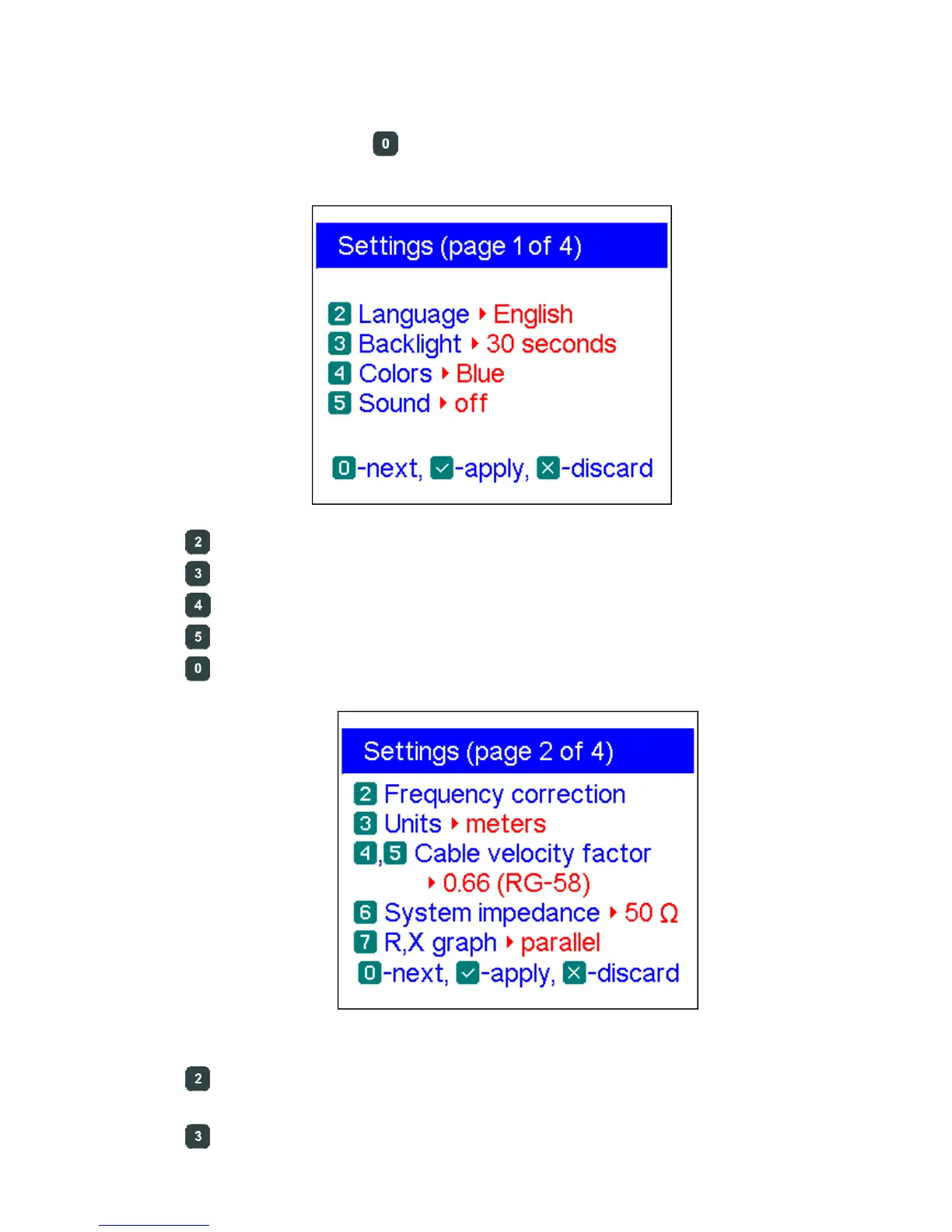
The Settings menu (press the key in the Main menu) contains various settings for
the analyzer. The first page contains the following commands:
– language selection
– backlight brightness and timer
– colour scheme selection
– sound on or off
– go to the second page which contains additional settings
– opens a frequency correction screen, so the output frequency of the
analyzer may be set precisely
– select metric or U.S. units for the TDR display













 To Next Page