28
The top of the curve should be located in the middle of the screen, between
two horizontal lines. A small horizontal shift of the curve is allowed.
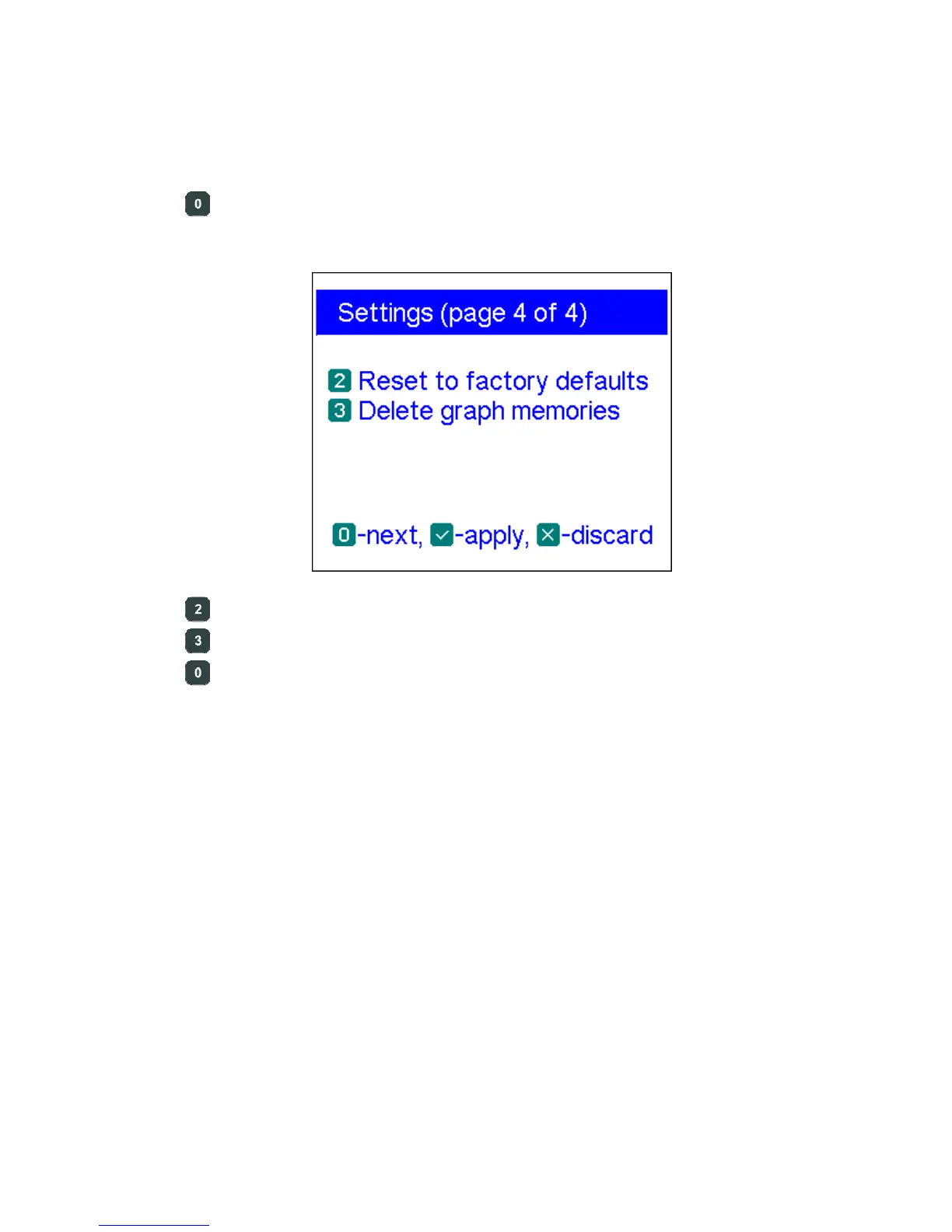
– go to the last page which contains reset commands
– reset the entire analyzer to factory defaults
– delete all graph memories
– go to the last page of the settings menu
4.8. Computer connection
R
igExpert AA-600, AA-1000 and AA-1400 antenna analyzers may be connected to a
personal computer for displaying measurement results on its screen, taking screen shots
of the LCD, as well as for updating the firmware.
A conventional USB cable may be used for this purpose. The supporting software is
located on the supplied CD or may be downloaded from the www.rigexpert.com
website. Please see the Software Manual for details.













 To Next Page