16
4.5.5. Memory operation
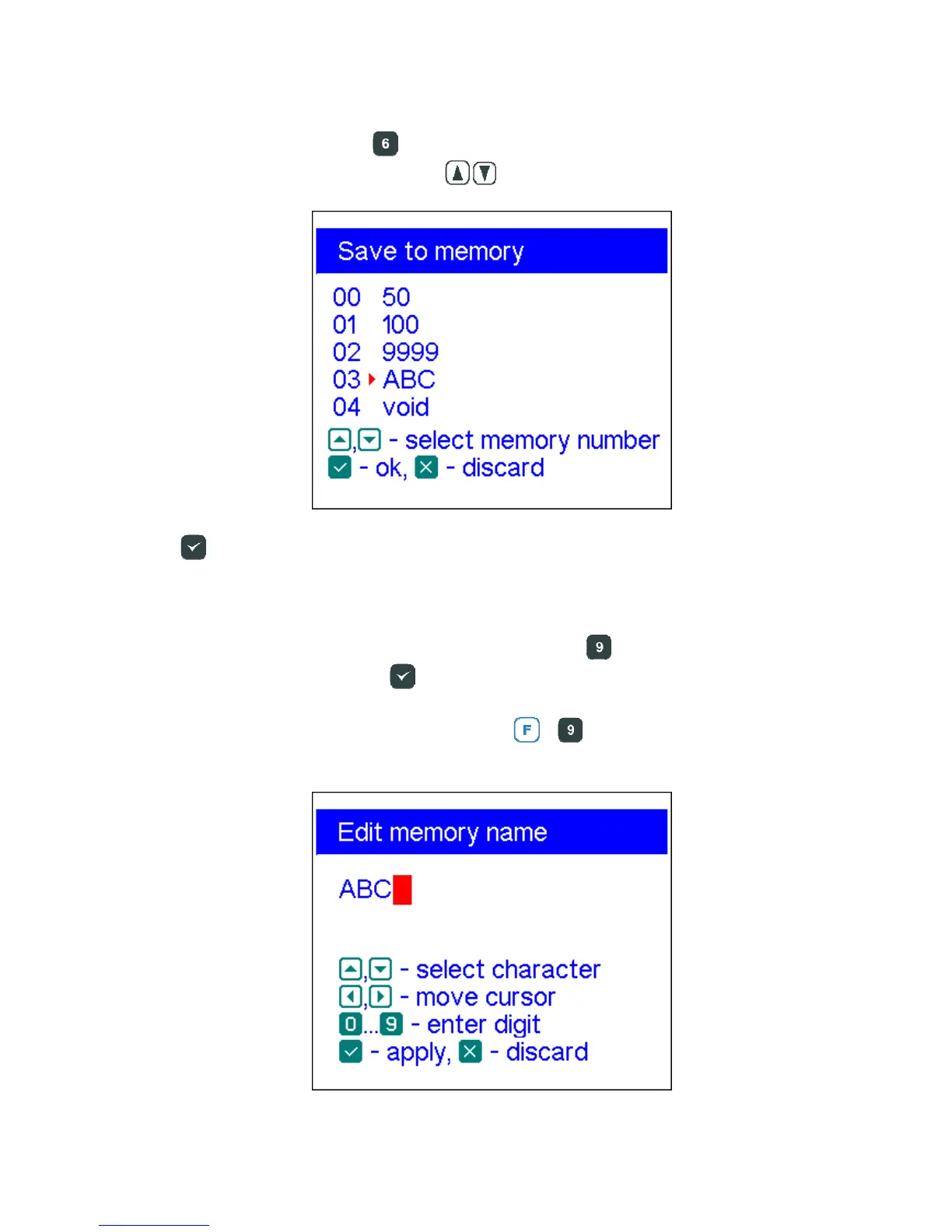
In all graph modes, press the key, and you will be given a choice of 90 memory
slots. Using arrow up or arrow down (
) keys, select the desired slot number:
Press
. You will be prompted to edit the selected memory slot name. Follow
instructions on the display. A new scan will be performed and the data will be saved in
the selected memory slot.
To retrieve your readings from the memory, press then key, select necessary
memory slot number and press .
To edit names of existing memory slots, press
+
and then select the slot number
to edit:













 To Next Page