9
4.4. Single- and multi-point measurement modes
In single-point measurement modes, various parameters of antenna or other load are
measured at a given frequency. In multi-point modes, several different frequencies are
used.
4.4.1. SWR mode
T
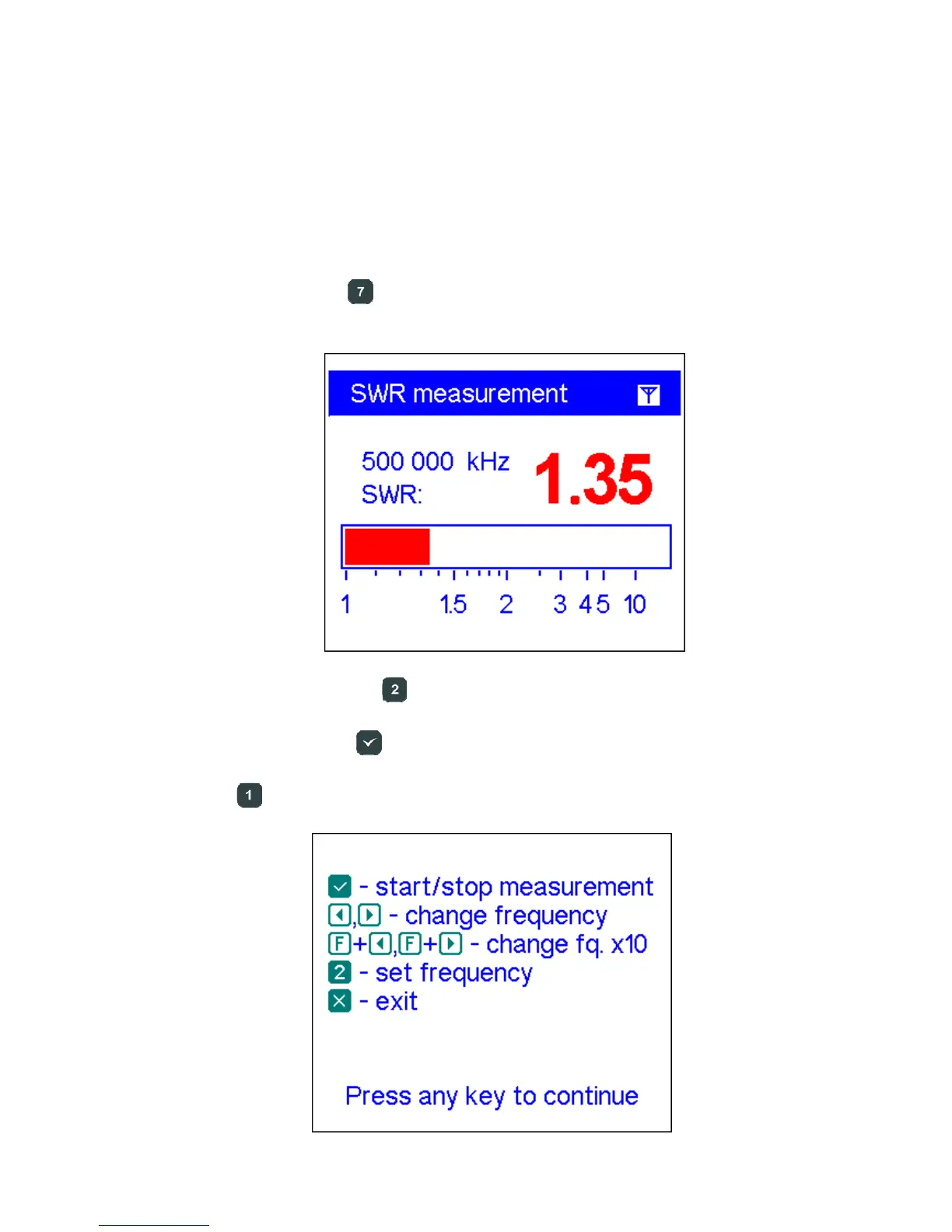
he SWR mode (press the key in the Main menu) displays the SWR bar as well as
the numerical value of this parameter:
Set the desired frequency (the key) or change it with left or right arrow keys.
Do not forget to press the
(ok) key to start or stop measurement. The flashing
antenna icon in the top-right corner indicates when the measurement is started.
Pressing the (help) key will show a list of all available commands for this mode:













 To Next Page