12
4.4.4. Show all mode
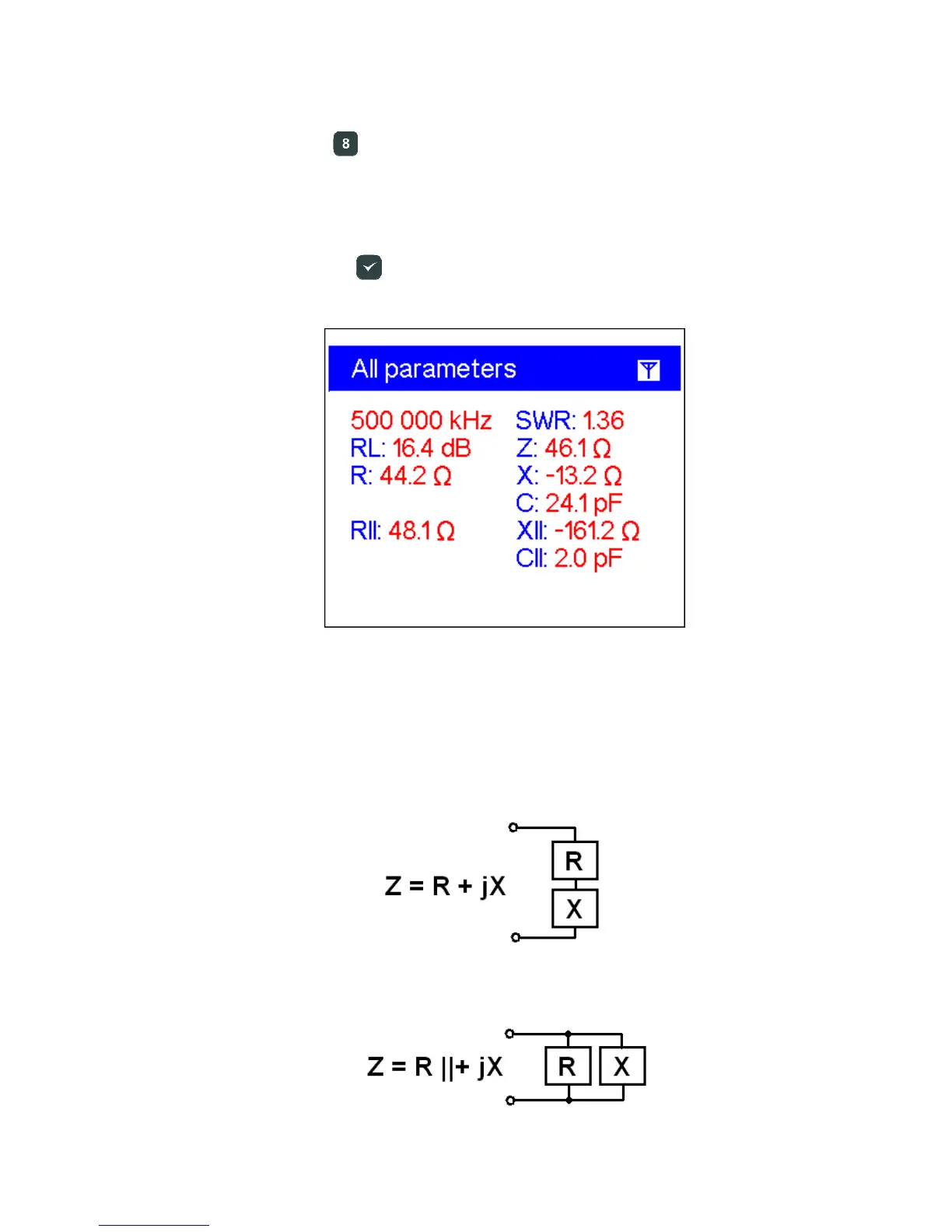
The Show all mode (the key) will show various parameters of a load on a single
screen. Particularly, SWR, return loss (RL), |Z| (magnitude of impedance) as well as its
active (R) and reactive (X) components are shown. Additionally, corresponding values
of inductance (L) or capacitance (C) are displayed.
Do not forget to press the
(ok) key to start or stop measurement.
This screen displays values for series as well as parallel models of impedance of a
load:
• In the series model, impedance is expressed as resistance and reactance
connected in series:
• In the parallel model, impedance is expressed as resistance and reactance
connected in parallel:













 To Next Page