18
3. By pressing the
+
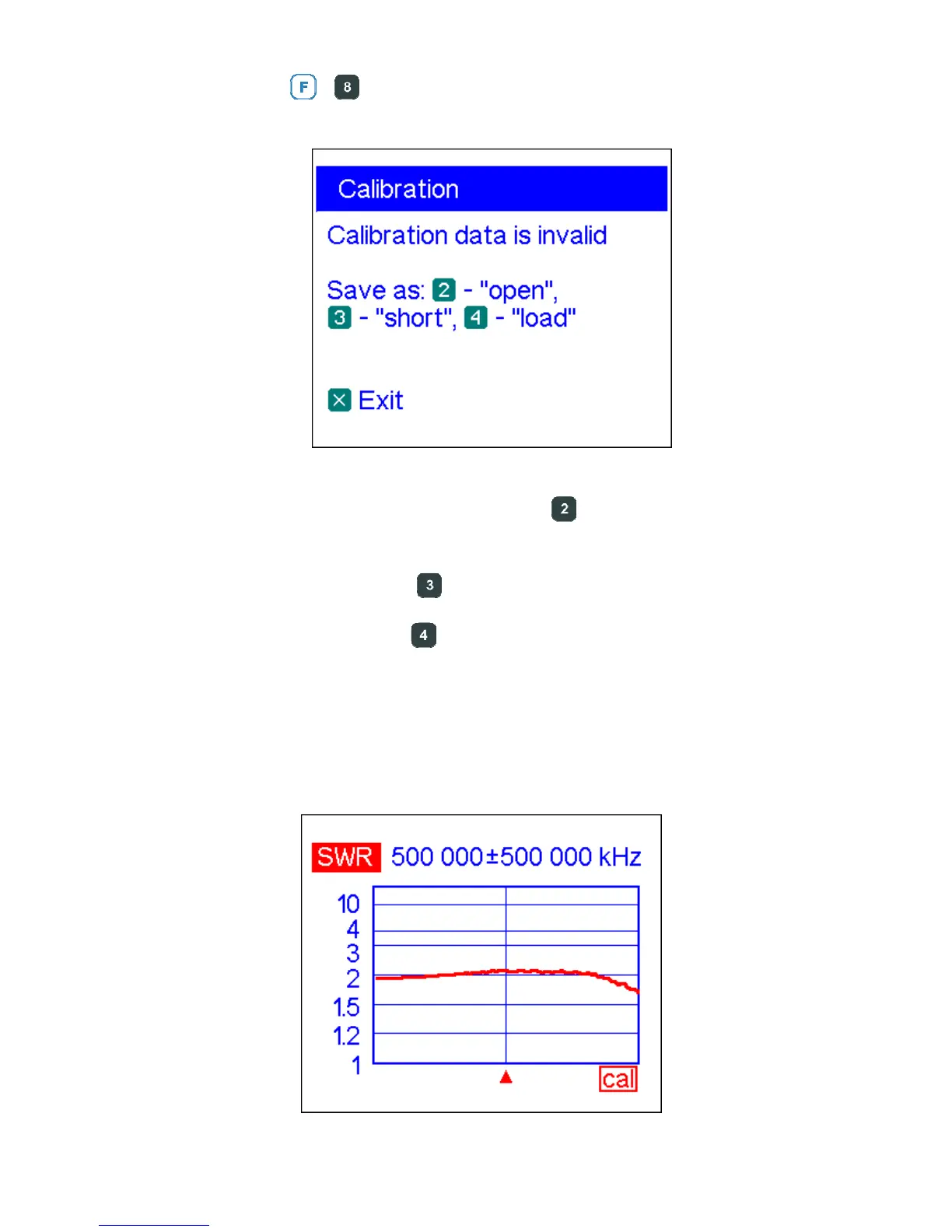
key combination, open the Calibration screen:
4. Connect an “open” to the analyzer and press the key. The analyzer will rescan
the specified frequency range and save calibration data to its memory.
5. Connect a “short” and press the
key.
6. Connect a “load” and press the key. Please notice that for displaying the SWR
graph and the Smith/polar chart correctly, the System impedance parameter in the
Settings menu (see page 24) should be same as the actual resistance of the “load”.
After the parameters of all three loads are measures, a “cal” indicator appears at the
bottom of the display:













 To Next Page