RIGOL
© 2008 RIGOL Technologies, Inc.
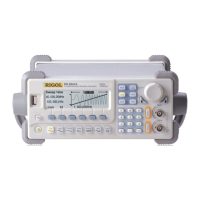
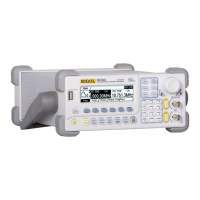
User’s Guide for DG1022
Table 2-15 Setting the FSK parameters
Choose Frequency Shift Keying Modulation
Set the Hop Frequency Range
(Internal Source: Square with 50% duty
cycle)
Set the frequency at which the output
frequency shifts between the carrier
frequency and the jumping frequency:
2mHz~50kHz.
Choose External modulation, the
modulating waveform is inputted form the
[Ext Trig/FSK/Burst] port on the rear
panel. Only “HopFreq” needs to be set.
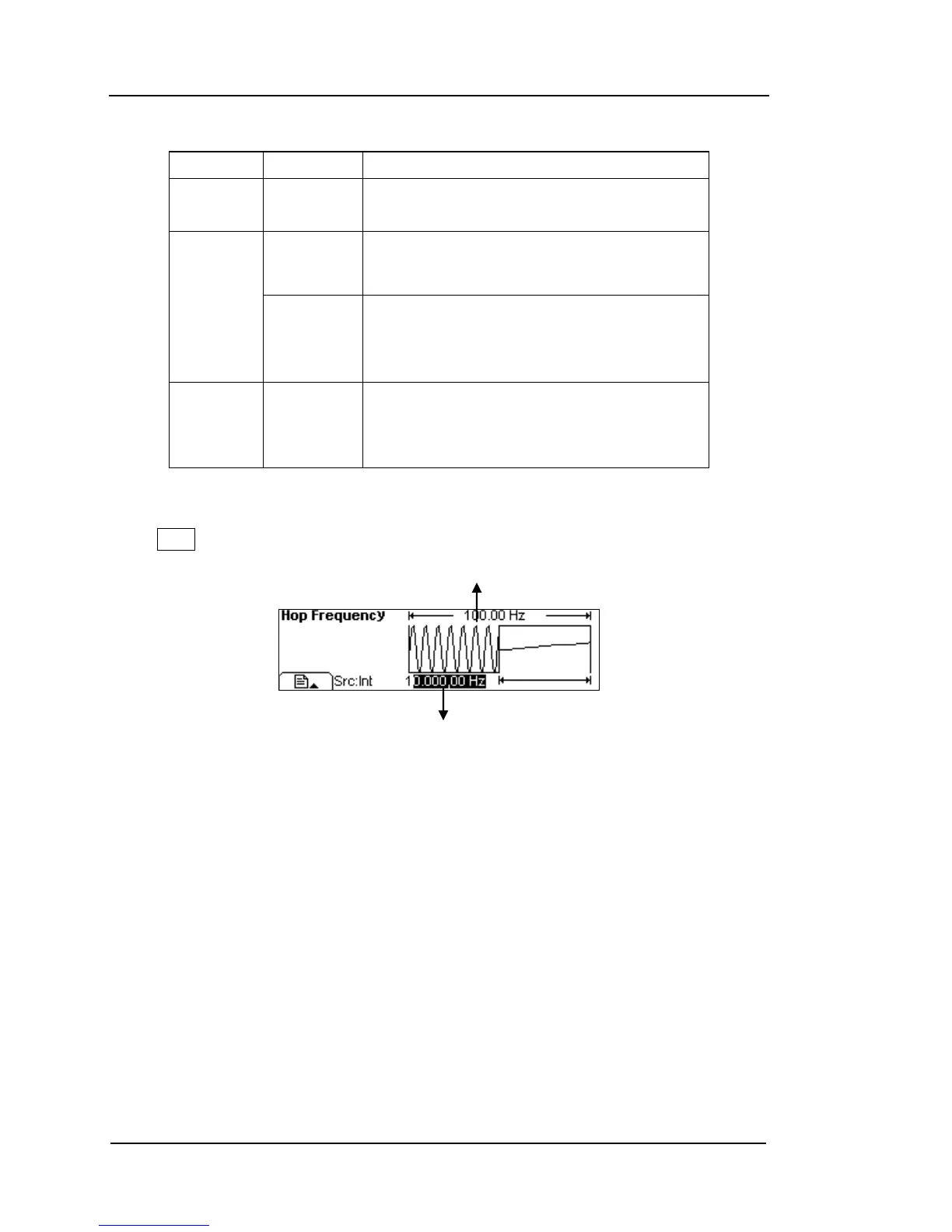
Press View, in the Graph Mode, the waveform is shown in the following figure.
Figure 2-40
Waveform Parameter in the Graph Mode


 To Next Page