91
Store Operations
Note
In power save mode, power consumption is about
1/3 as compared to regular operation.
When you press the Start/Stop key or the Store key
in power save mode, measurement is terminated.
When you press any other key, the normal screen is
restored. When no further key is pressed, the unit will
revert to the power save mode after about 7 seconds.
10 seconds before the scheduled start of measurement,
the normal screen automatically comes up, and mea-
surement starts at the preset time.
If the start time and stop time are set to the same val-
ues, measurement is not carried out.
A u t o
h
A u t o 1 S t o r e S t a n d b y
F i l e n a m e : A U 1 _ 0 2 0 0
M . T i m e : 1 0 s e c
S t a r t : 1 2 / 1 0 0 8 : 3 0 : 0 0
S t o p : 1 2 / 1 1 0 8 : 3 0 : 0 0
A u t o S a m p . 1 0 0 m s e c
T i m e r s t a n d b y
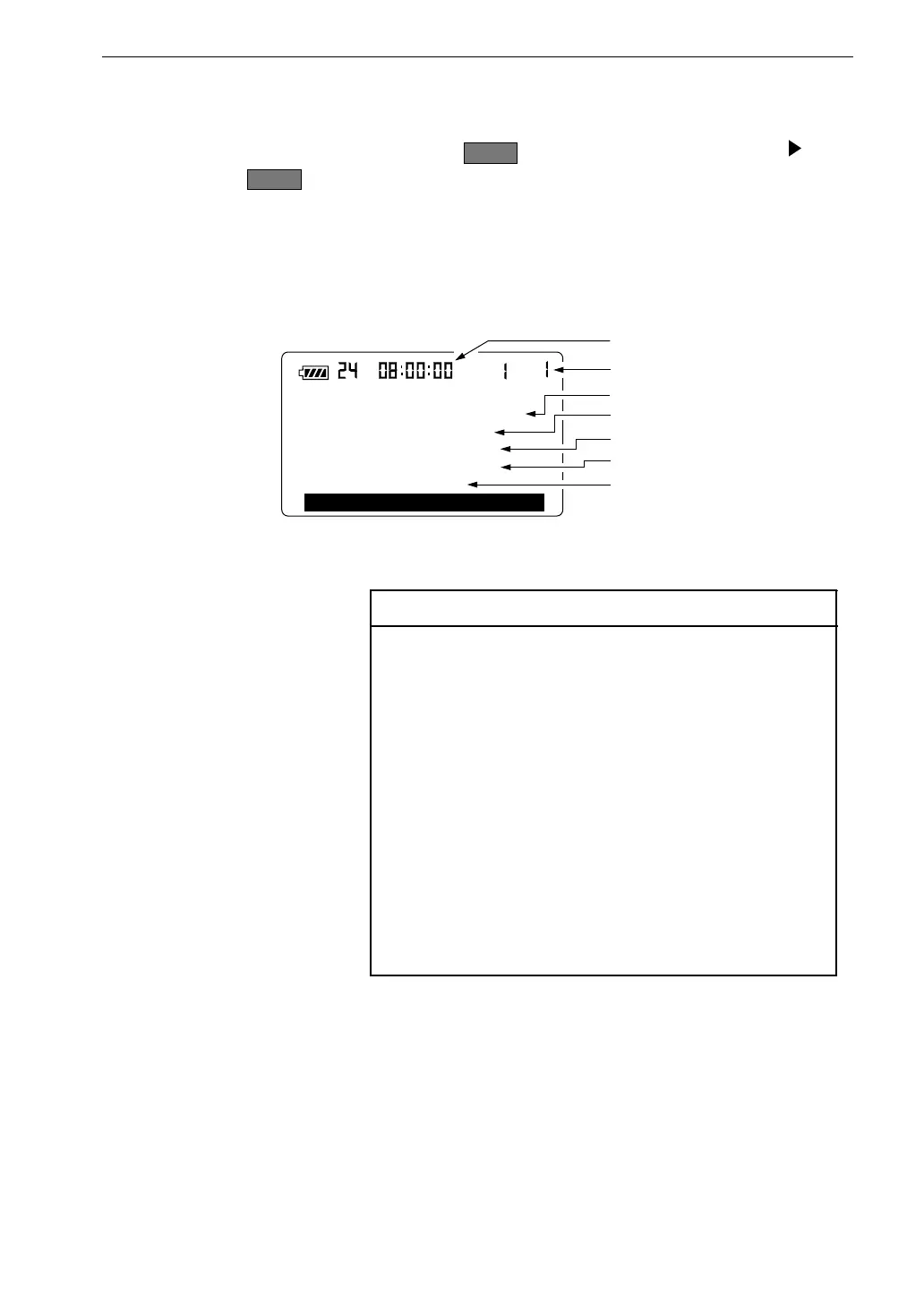
A u t o 1 s t a n d b y s c r e e n
S t o r e m o d e
C u r r e n t t i m e
F i l e n a m e
S t a r t t i m e
S t o p t i m e
M e a s u r e m e n t t i m e
S a m p l i n g i n t e r v a l
13. Press the Store key.
For normal Auto 1 store,
S t a r t
lights up for 1 second, and the and
S t o r e
indication flash to indicate that store is being carried out. The
elapsed time is also shown.
In timer mode, the Auto 1 standby screen as shown below is displayed,
and the unit goes into power save mode.



 To Next Page