121
Optional Accessories
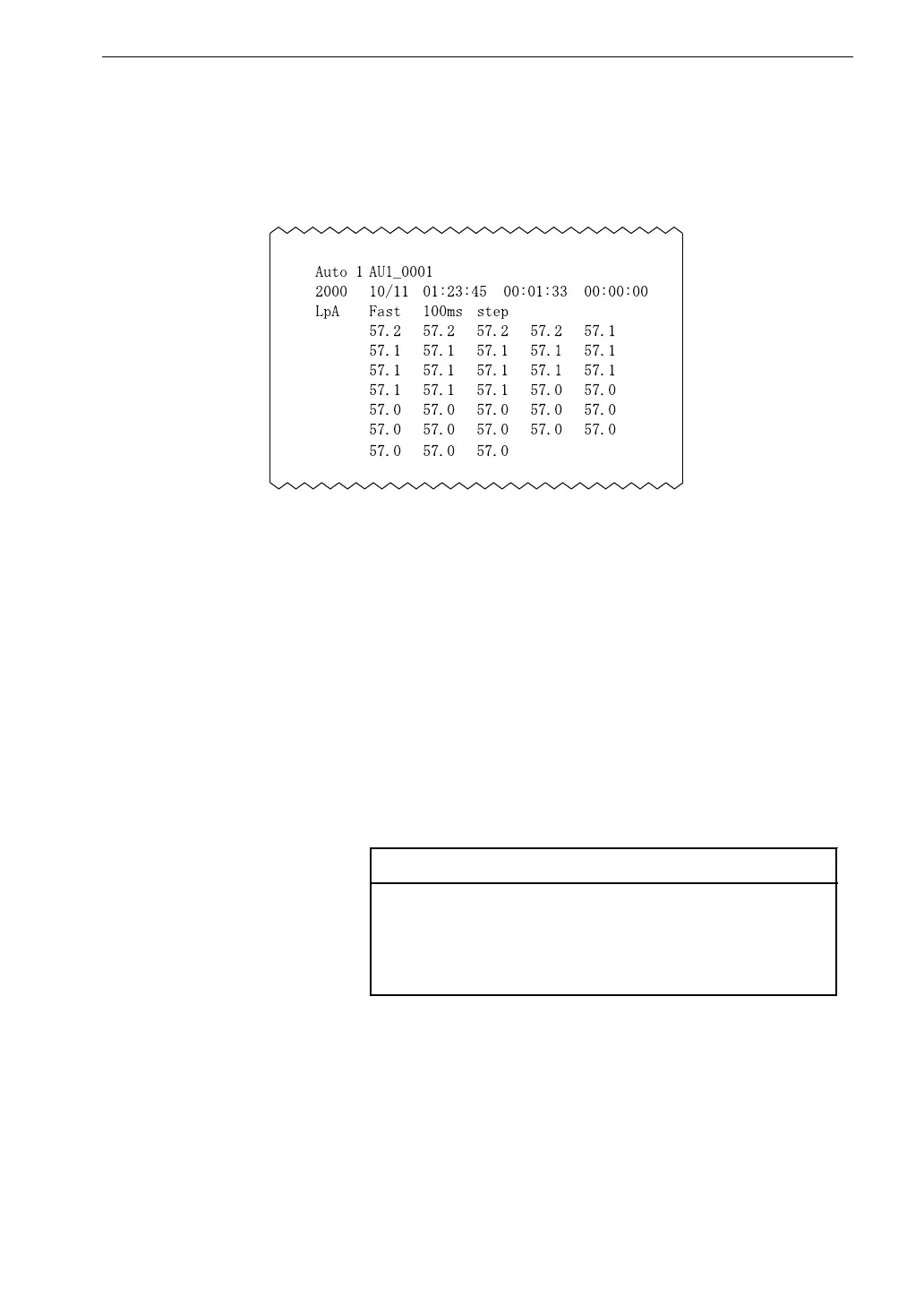
S a m p l e p r i n t o u t
7. Press the Print key.
100 data sets, starting with the selected data, will be printed out.
Example
If the following conditions have occurred, the alphabet or the mark as
shown below is printed after the sound level.
Over: O
Under: U
Pause: P
Pause and Over: #
Pause and Under: *
Note
Pressing the Print key increments the data number by
100. Therefore you can print all stored measurement
values simply by repeatedly pressing the Print key.
8. To terminate the recall mode, press the Recall key or Pause key. Then
press the Pause key.



 To Next Page