32
Reading the Display
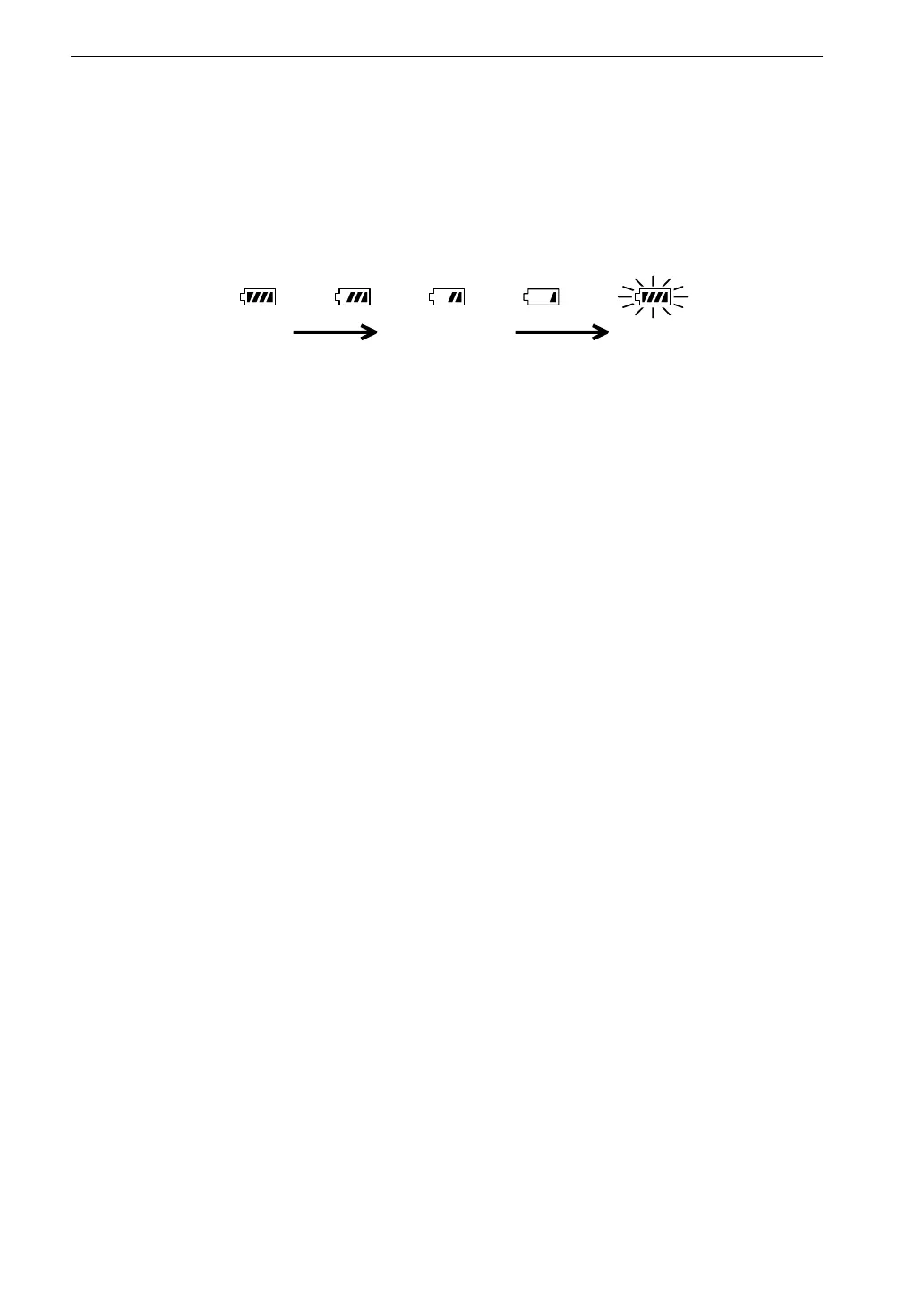
Battery capacity indicator
When operating the unit on batteries, periodically check this indicator to
determine the remaining battery capacity. The number of black segments
decreases as the batteries are used up. When the display starts to flash, correct
measurement is no longer possible. Replace the batteries with a fresh set.
B a t t e r i e s
g o o d
B a t t e r i e s p a r t l y
d e p l e t e d
F l a s h i n g
R e p l a c e b a t t e r i e s
The indicator is also displayed while the unit is powered from the AC adapter.
Measurement time indicator
Shows the selected measurement time. If no measurement time was selected
(arbitrary measurement time), the indication is blank.
The following measurement time settings are possible:
10 s (seconds), 1 m (minute), 5 m, 10 m, 15 m, 30 m, 1 h (hour), 8 h, 24 h,
None
Elapsed time indicator
During processing and memory store, this indicator shows the elapsed time in
seconds. If the time has exceeded 100 hours, the top digit of the address indicator
shows "1".
Start indicator
This indicator appears for 1 second at measurement start.
Stop indicator
This indicator appears for 1 second at measurement stop.
Store standby indicator
Lights up when store to memory is carried out.
During manual operation, the indicator is active for 1 second. During auto
operation, the indicator flashes together with the measurement symbol.



 To Next Page