52
Measurement
8. To use the data exclusion (back-erase) function, please refer to page 77.
Note
In addition to the regular pause function it is also
possible to exclude (back-erase) data from the im-
mediately preceding 5 seconds.
9. Press the Menu key to return to the measurement screen.
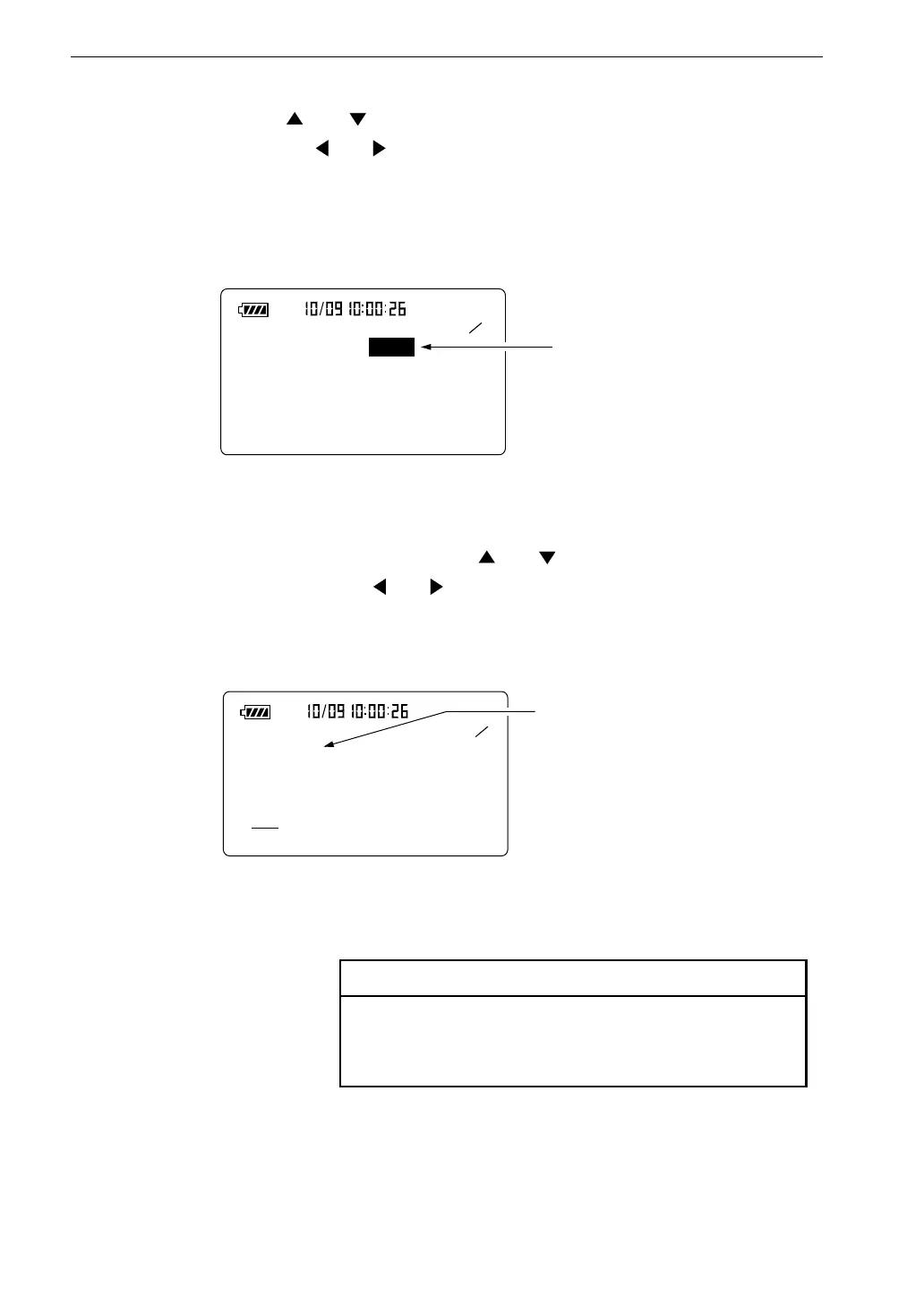
6. Use the and keys to move the cursor to the "Meas. time" item,
and use the and keys to select the measurement time.
1 5
< S y s t e m >
M e a s . t i m e : 1 0 m i n
B a c k E r a s e : O f f
C a l M o d e : I n t e r n a l
F i l t e r : O f f
M e a s u r e m e n t t i m e
( a c t u a l t i m e )
M e n u s c r e e n 1 / 5
L
e q
< D i s p l a y >
L e q : O n L N : O f f
L E : O n L N : O f f
L m a x : O n L N : O n
L m i n : O n L N : O f f
L C p k : O f f L N : O f f
L I S T : O n T - L : O n
4
5
: S e t e q u i v a l e n t c o n t i n u o u s
s o u n d l e v e l d i s p l a y t o " O n " .
M e n u s c r e e n 4 / 5
Manual → 10 sec → 1 min → 5 min → 10 min → 15 min → 30 min
→ 1 hour → 8 hours → 24 hours → Manual → ...
7. Use the Page Up/Down keys to display the menu screen 4/5.
If L
eq
: Off is displayed, use the and keys to move the highlight to
"Off", and use the and keys to set the item to "On".



 To Next Page