53
Measurement
When the measurement time set in step 6 has elapsed, the measurement
terminates automatically. When wishing to terminate the measurement
earlier, press the Start/Stop key.
If Manual was selected, the Start/Stop key must be used to conclude
the measurement.
If an under-range condition or over-range condition occurs at least
once during measurement, the "
O v
" (Over) or "
U n
" (Under) indicator
appears, to show that the processing data contain over-range or under-
range data.
Important
During measurement, most of the keys such as
the A/C/FLAT key and Level keys are inopera-
tive. Only the following four keys can be used:
Start/Stop, Pause/Cont, Mode, Light. All other
settings must be made before starting the mea-
surement.
During measurement, the Pause/Cont key can be used to pause and
resume the measurement. During pause, the pause symbol ( ) is shown.
(Any pause intervals and the back-erase time if data back-erase is
enabled are not included in the measurement time.)
If data back-erase was enabled in step 8, the data are indicated on the
display, as shown on next page.
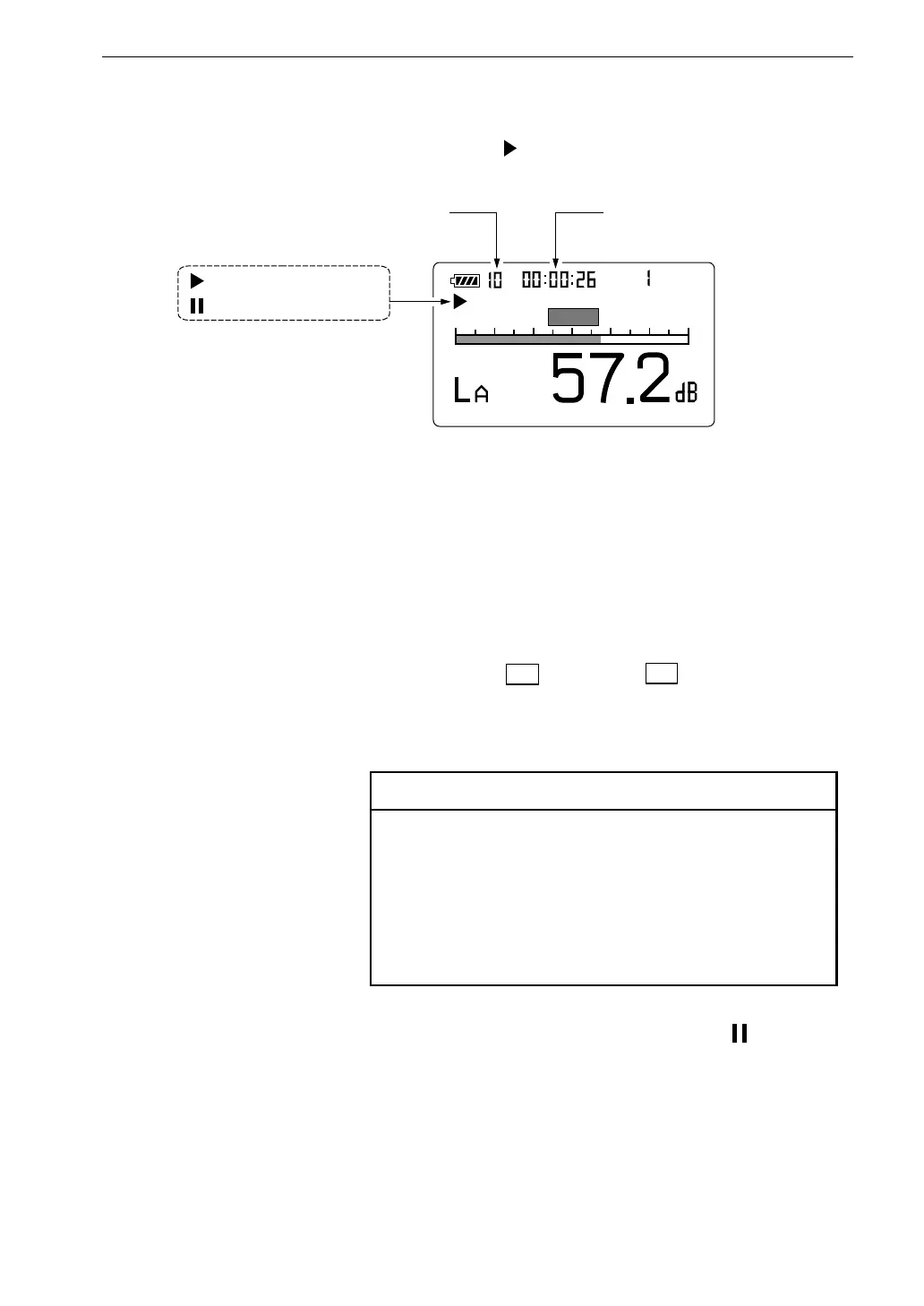
10. Press the Start/Stop key to start the measurement.
During measurement, the symbol flashes and the elapsed
measurement time is displayed.
S t a r t
M a n u
2 0 8 0
F a s t
E
m
P a u s e s y m b o l
M e a s u r e m e n t s y m b o l
M e a s u r e m e n t t i m e
E l a p s e d m e a s u r e m e n t t i m e
M e a s u r e m e n t s c r e e n



 To Next Page