85
Store Operations
Important
When wishing to check whether data are
present in a data number, use the Mode key to
switch the display to sound level and then verify
whether data or "--.-" is shown on the display. If
"--.-" is shown in other mode settings, that data
number may still contain sound level value
data.
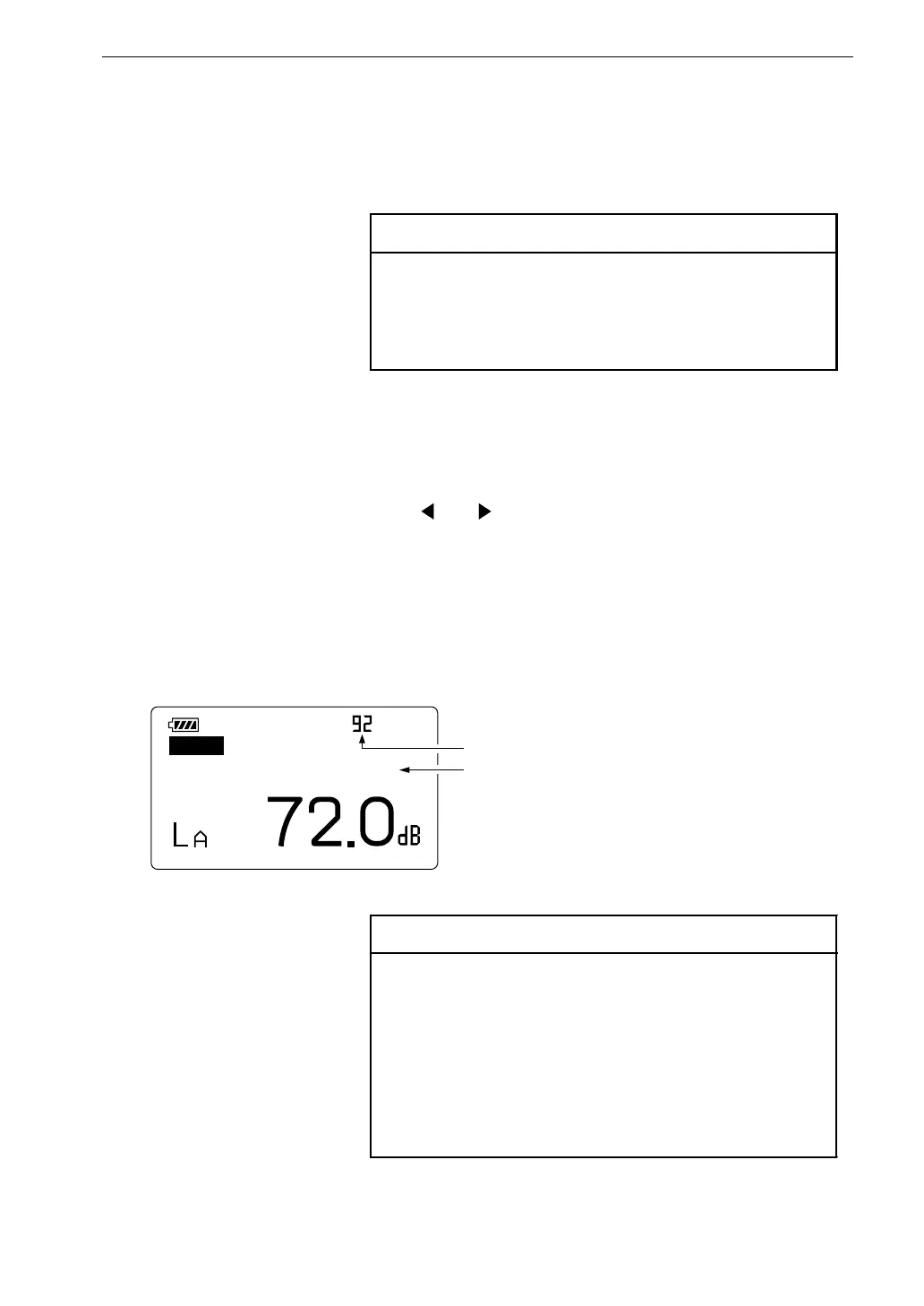
F a s t
M a n u
R e c a l l
1 1 / 2 5 1 0 : 3 3 : 5 5
D a t a n u m b e r
D a t a s t o r e t i m e
R e c a l l s c r e e n
W h e n t h e d i s p l a y s h o w s s o u n d l e v e l ,
t h e t i m e s h o w s w h e n t h e s t o r e k e y i s p r e s s e
W h e n t h e d i s p l a y s h o w s p r o c e s s i n g r e s u l t ,
t h e t i m e s h o w s w h e n t h e p r o c e s s i n g s t a r t s
Reading Stored Data (From Internal Memory)
To read data stored in the internal memory with manual mode, proceed as
follows.
Important
When the memory card is inserted in the card
slot, the data stored in the internal memory can-
not be read. Be sure to remove the card from
the card slot then proceed as follows.
1. Verify that no memory card is inserted in the card slot. Turn the unit on.
2. Press the Recall key.
The recall screen appears.
3. Use the Recall Data and keys to select the data number in which
the data were stored. The data are shown on the display.
When there are no data in a number, the display only shows "--.-".
Press the Mode key to switch between the stored sound level value
and the various processing results.
4. To terminate the recall mode, press the Recall key once more.



 To Next Page