Agility 3 User Manual
Page 12
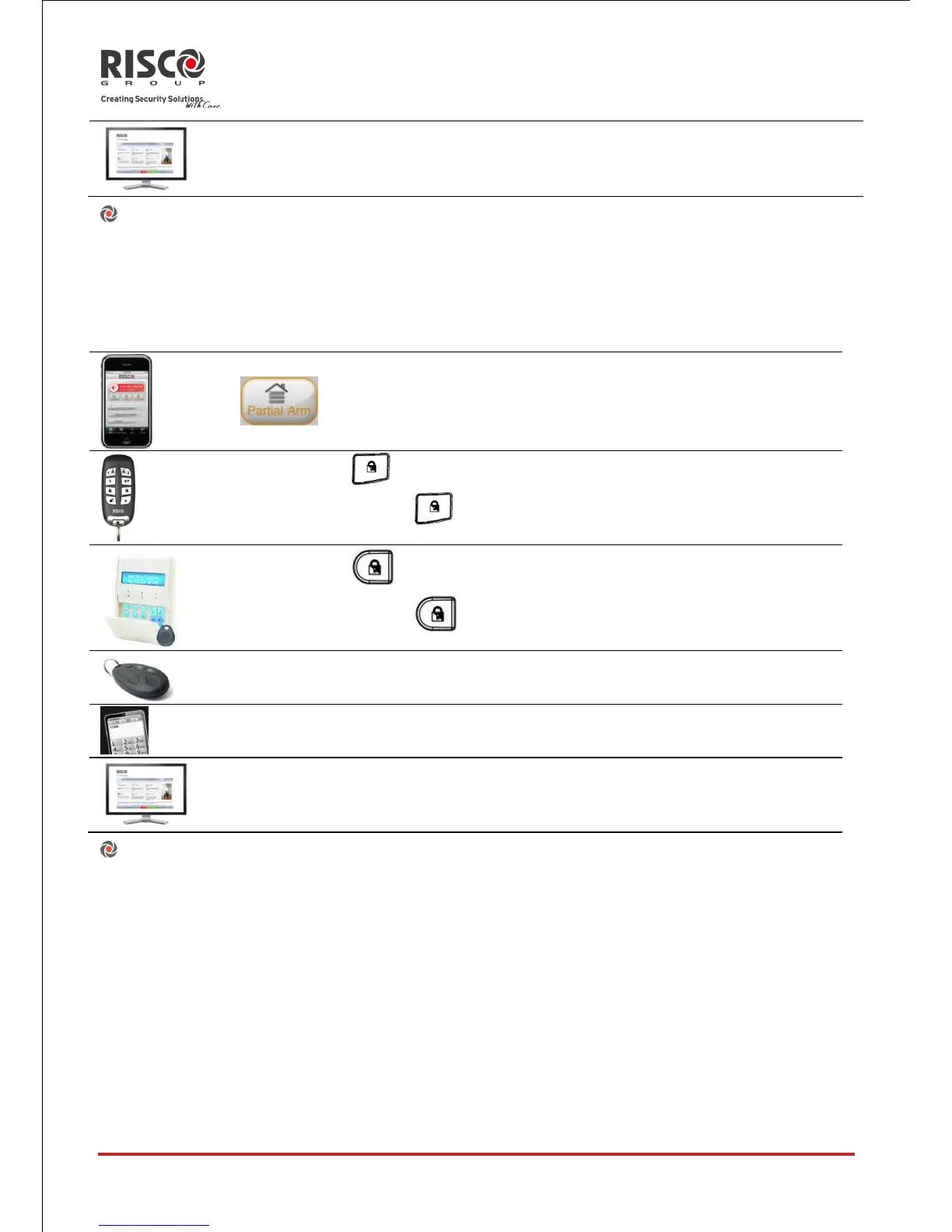
Part set (Home) setting:
Part set setting activates only perimeter detectors (as defined by your engineer),
enabling individuals to remain inside and move about the premises while the system is
partially set.
Part set (Home) setting procedure
Quick mode:
High security mode: + code
Quick mode:
High security mode: + code or proximity tag
Press button or button 4 (if defined. Advise with your engineer)
Send SMS : [Code][P], example, 1234P
Partition setting:
One of the Agility's advantages is its ability to divide the system in up to 3 partitions.
Each partition may be managed as a separate security system, each of which can be set
and unset individually regardless of the condition of the other.
Partitions can be set or unset one at a time, or all at once, and each partition can be set at
Part set or Full set. Only users that have been defined to operate multiple partitions can
operate more than one partition and set/unset all partitions at once





 To Next Page