Agility 3 User Manual
Page 52
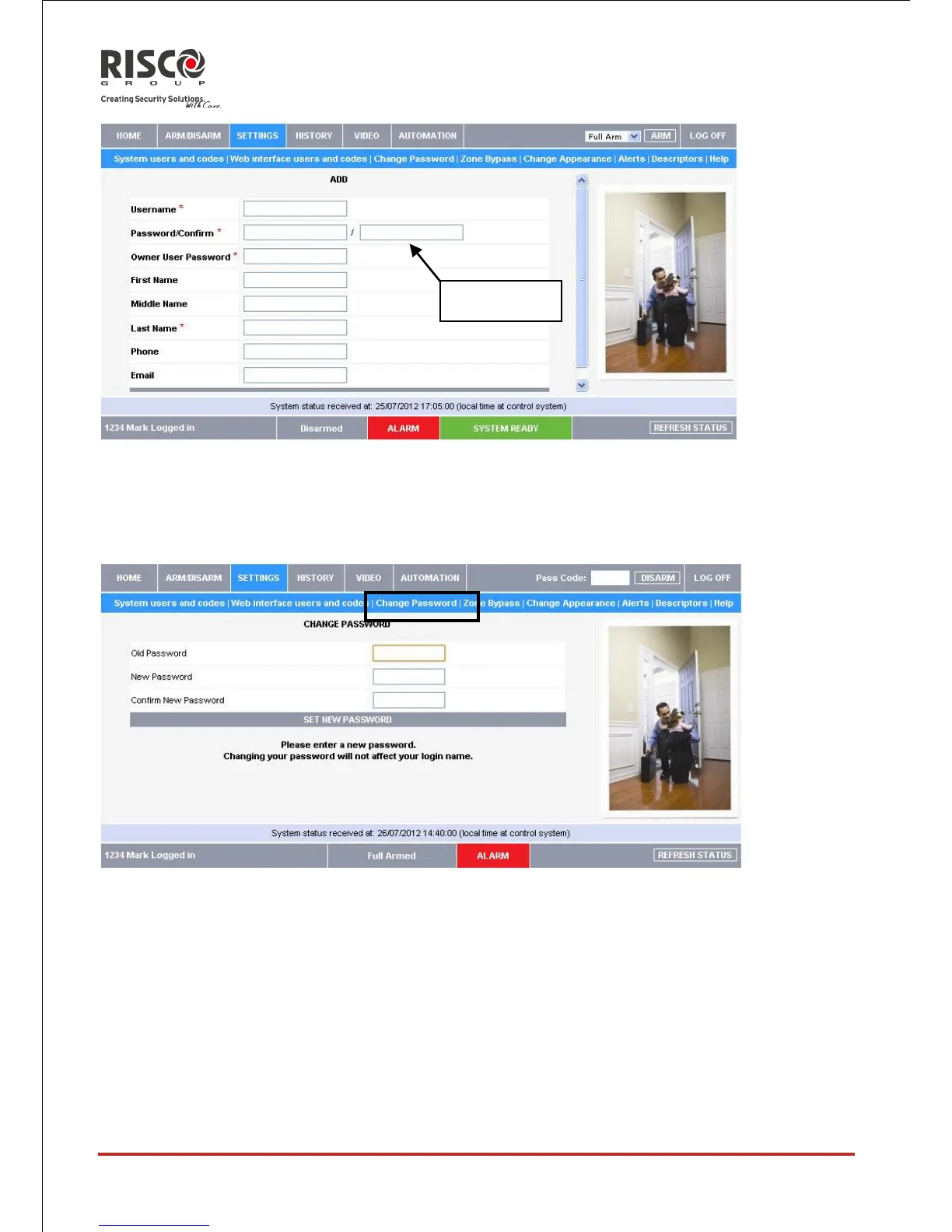
Change Password
Click Settings then Change Password to change the password you use to login to the Web
Application.
Zone Omit
On The Main Page menu, click SETTINGS then Zone Omit to omit specified zones in
your home that you don't want to receive event messages from. The Zone Omit page
displays a list of the zones (i.e. sensors) in your system and allows you to omit them or
unomit them as required. An omitted zone is ignored by the system and will not generate
an alarm when triggered. To "unomit" is to restore the zone - effectively instructing the
system to monitor activity from that zone.
All omitted zones are automatically unomitted when the system is disarmed.





 To Next Page