Agility 3 User Manual
Page 55
Event Log History
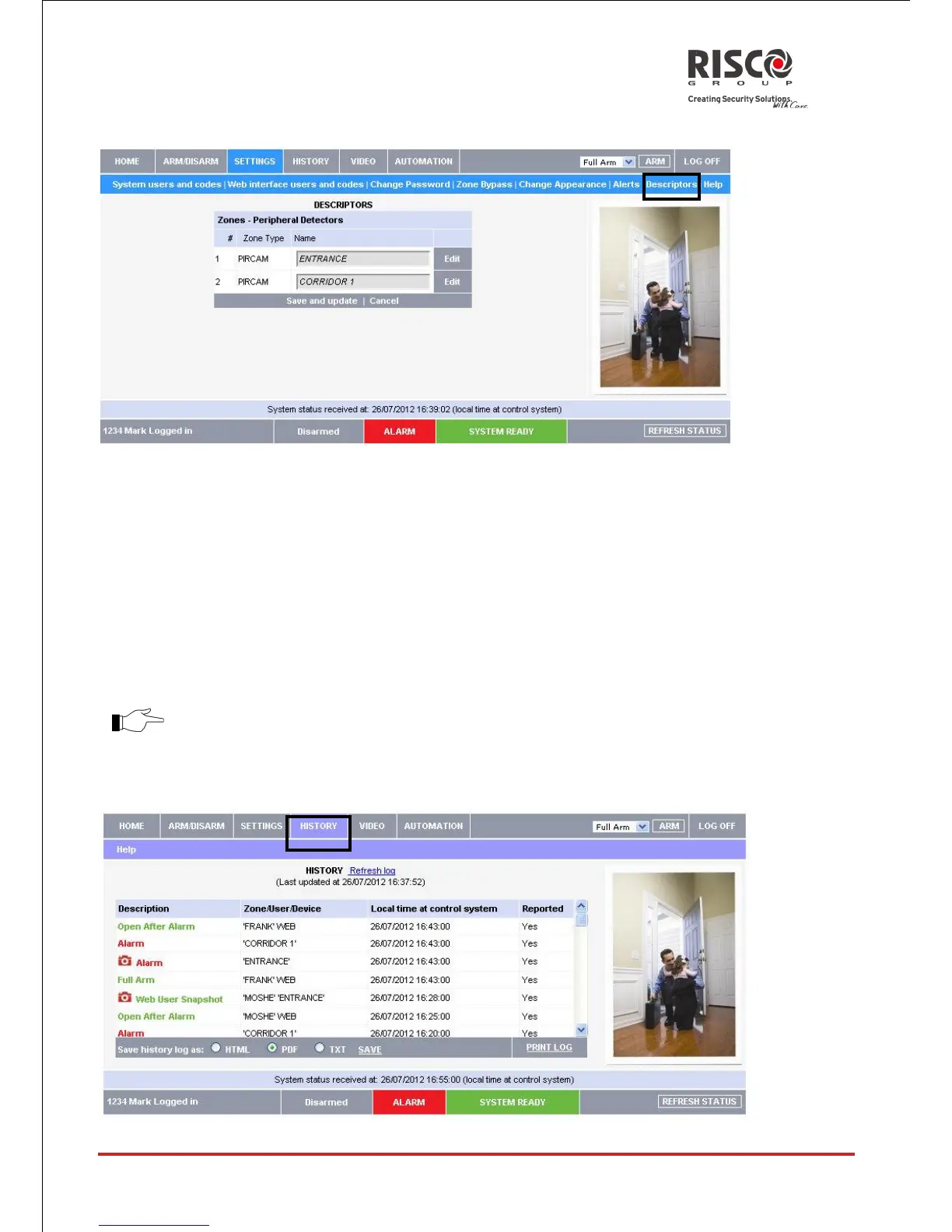
The History page displays a log of events that have occurred within your system. For each
event you can view the date and time that the event occurred, a description of the event
and the user or device that caused the event. Additionally, you can see whether or not the
event was reported to your monitoring service. When the log is full, the oldest events are
automatically purged and are replaced by new events.
In addition to viewing the event log, you may also save the log to a file (HTML, PDF or
TXT) or print the log.
For further details on how to use the Web Application, refer to the Help menu
included in the application.





 To Next Page