Agility 3 User Manual
Page 30
5. Select the Scheduling program index number. Use the key to activate /
deactivate and press .
4.5 Macro keys
Programming Macro Keys
Agility enables the engineer or Grand Master to record a series of commands and assign
them to a macro. When the macro is invoked, the recorded commands are executed from
beginning to end. Up to 3 macros can be programmed to a system using the Agility LCD
keypad or the Configuration Software.
Before programming a macro, it is recommended to perform your required series of
commands, making a note of every key you press while doing so.
Notes:
Macros cannot be programmed to perform unsetting commands.
Macro keys are not available in the slim keypad
To program a macro:
1. In the Macro menu select a macro (A, B or C) and press .
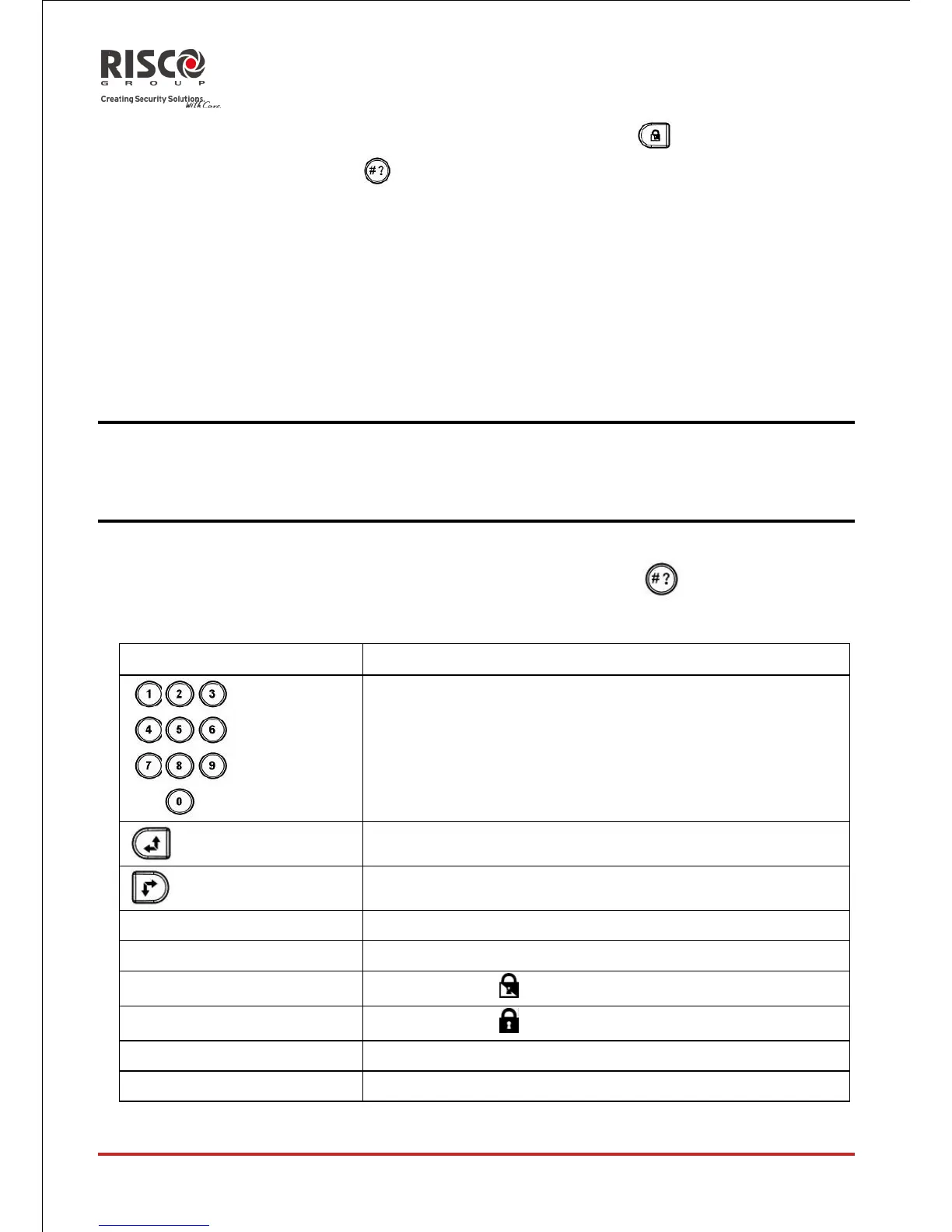
2. Enter the sequence of characters according to the following table:





 To Next Page