Agility 3 User Manual
Page 14
2.2 Unsetting your system
Unsetting your system causes the detectors not to trigger an alarm when violated. When
you enter the premises, the Entry Delay begins to count down. You must unset the system
within the Entry Delay time to prevent the system from triggering an alarm. The unsetting
operation will be followed by a local message announcement (if defined).
Note: If an alarm occurred in the system, it is recommended to leave the premises. Only
after police investigation should you consider that the intruder is no longer on
your premises and you can re-enter. In special cases (if programmed by your
engineer) setting the system after an alarm might require an Engineer code. For
more information refer to your engineer
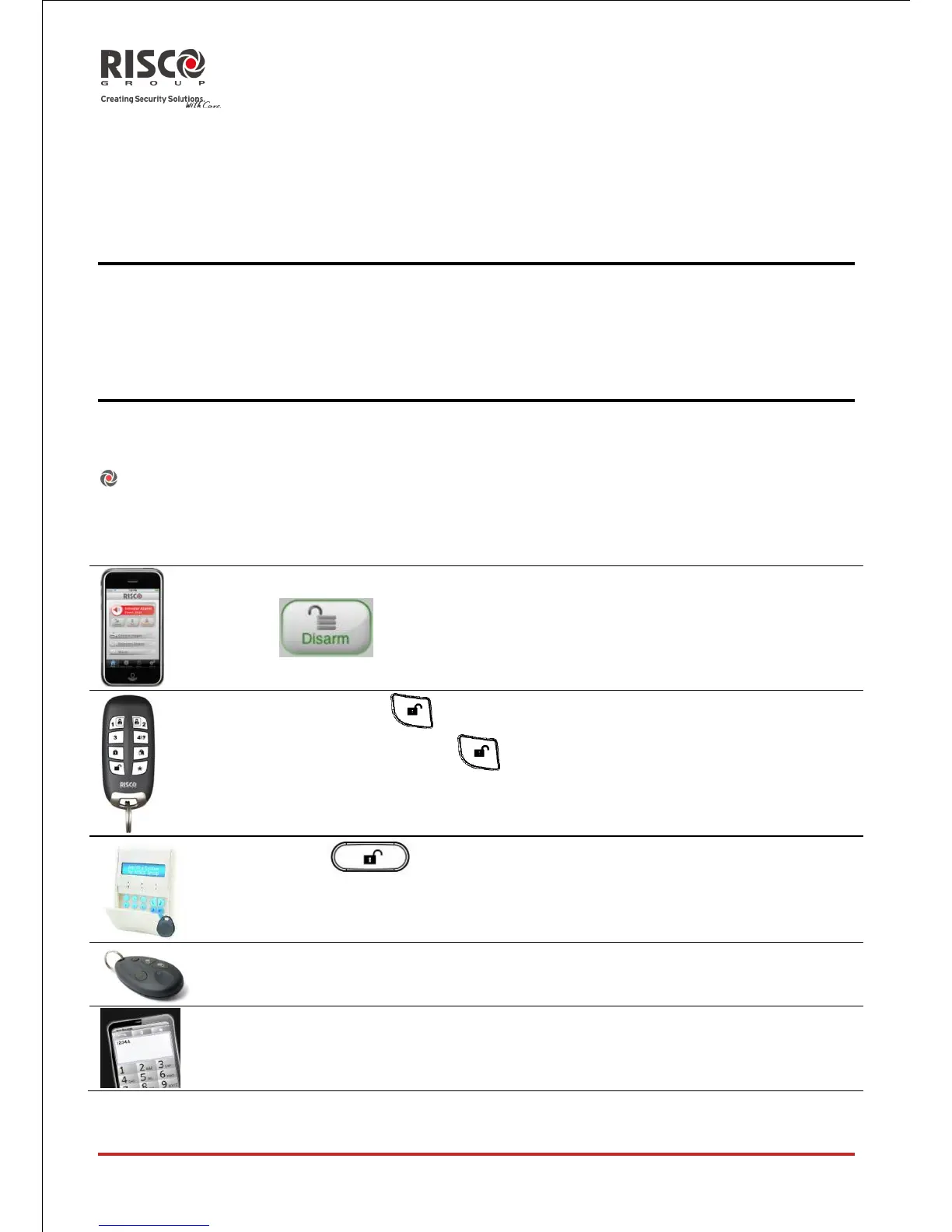
Your Agility offers the following kinds of unsetting:
System unsetting:
Unsetting deactivates the partitions assigned to the specified user code





 To Next Page