Agility 3 User Manual
Page 51
Deleting a User
To delete a user:
1. Click Delete for the user you want to remove from the table; the confirmation
page opens.
2. Click Yes to confirm.
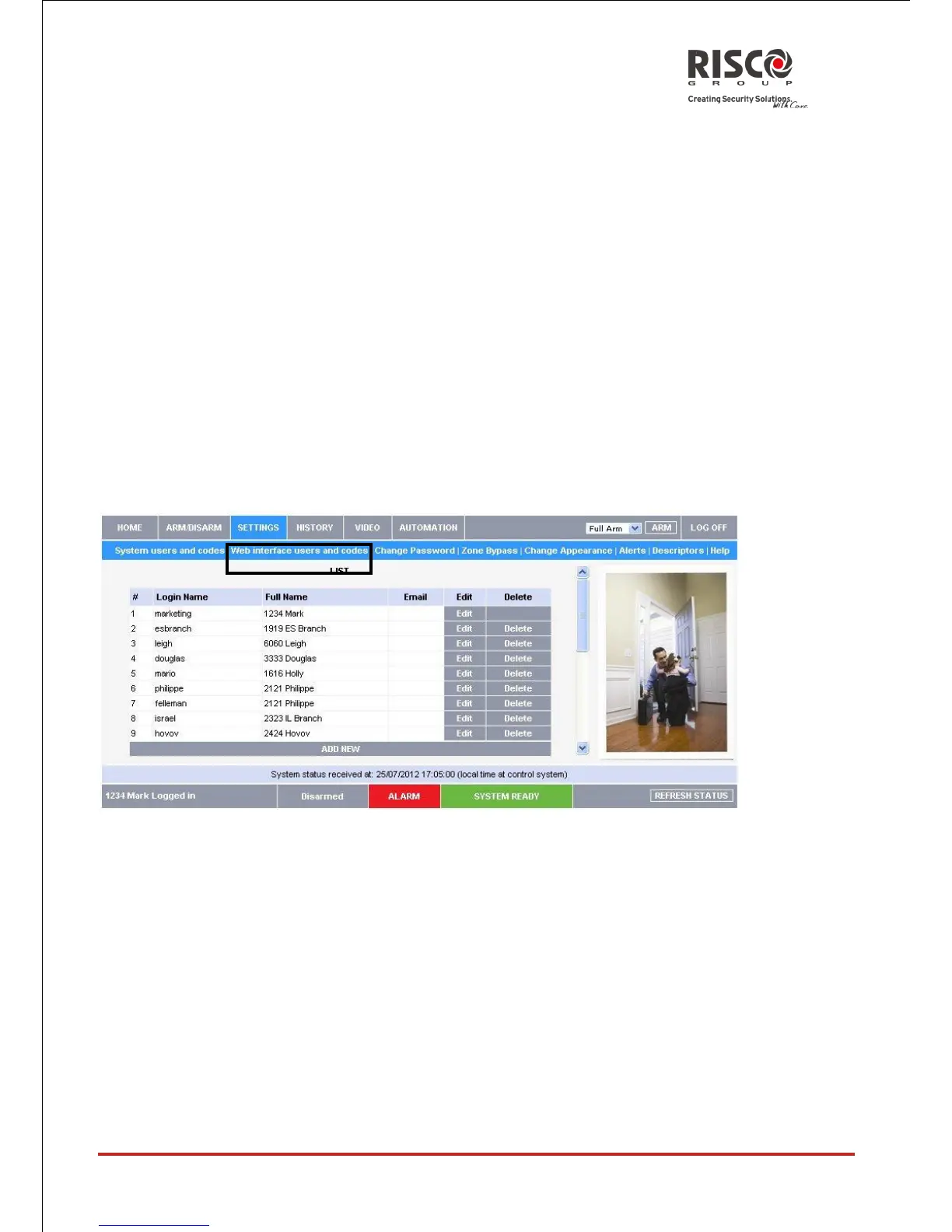
Web Interface Users and Codes
The Web Interface Users and Codes page provides a useful tool for managing your
system’s users. From this page you can add, edit and delete users as required. You can
even issue temporary (limited) codes to guests that will expire after 24 hours.
On The Main Page menu, click Settings, then Web Interface Users and Codes, the
following page appears:
Master users can click the ADD NEW row to enable creation of a new user, similar to the
process of Self registration:





 To Next Page