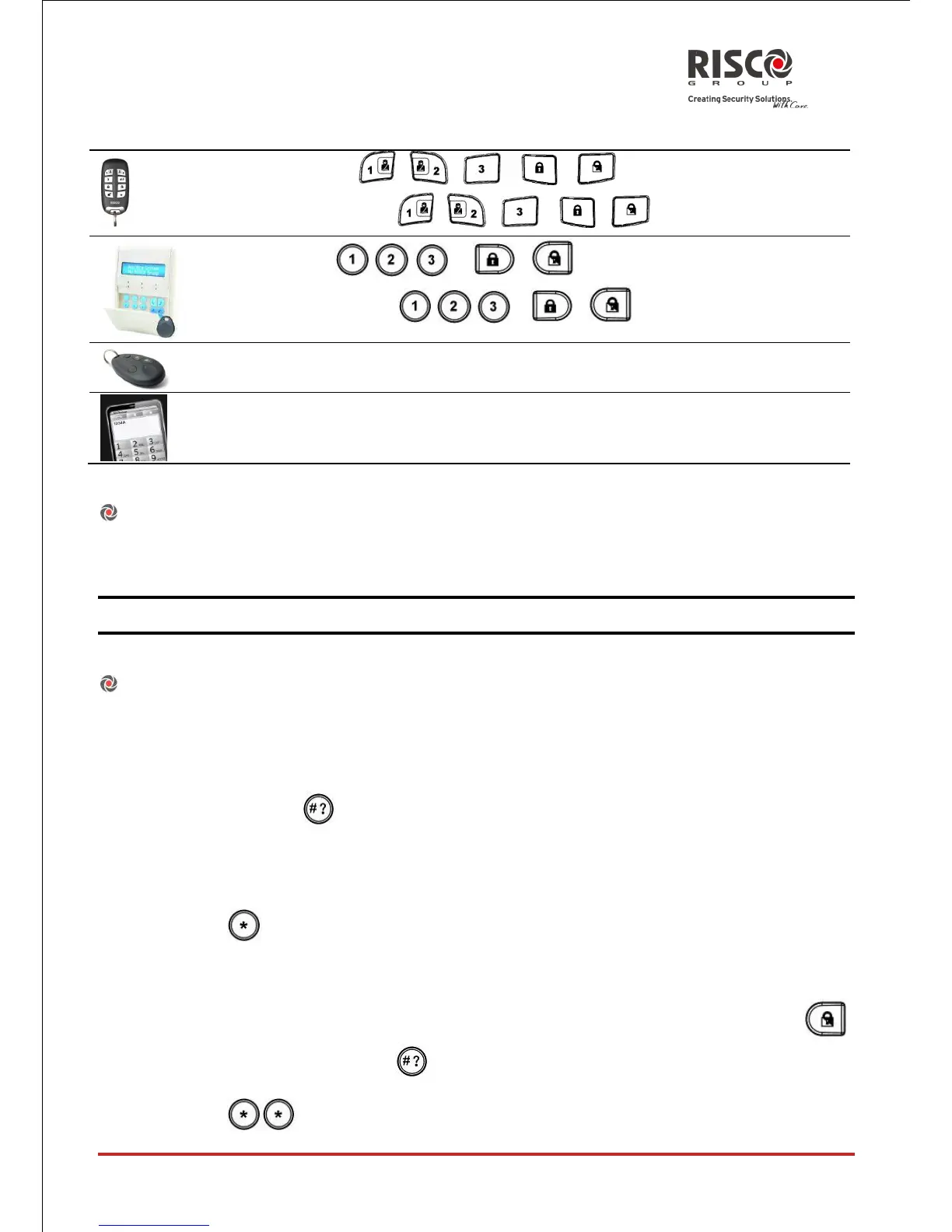
Send SMS: [Code][S or P] [Partition 1,2 or 3]. Example 1234S1. For more
information refer to page 22.
Force Setting:
Force setting arms the system regardless of open zones. Your engineer must enable this
option.
Note: Force setting the system results in leaving part of the system unsecured.
Setting with faults in the system
If required, and defined by your engineer, all faults in the system should be confirmed
to enable the setting operation while performing setting from the wireless keypad.
When trying to set the system with faults, the display will show a "System Faults"
message. Press the key to view the faults in the system. Scroll down the faults list
to view all faults in the system.
To enable one time setting from the keypad:
1. Press and enter your user code to access the user menu.
2. Go to Activities > Omit Fault
3. The following question will appear: "Omit faults. Are you sure? N?". Using the
key change to Y and press to confirm.
4. Press to return to main display and perform the setting operation again.





 To Next Page