EasyManua.ls Logo

Risco Agility 3 - Video Verification

Risco Agility 3
60 pages
Print Icon
To Next Page IconTo Next Page
To Previous Page IconTo Previous Page
Loading...
Agility 3 User Manual
Page 56
Video Verification
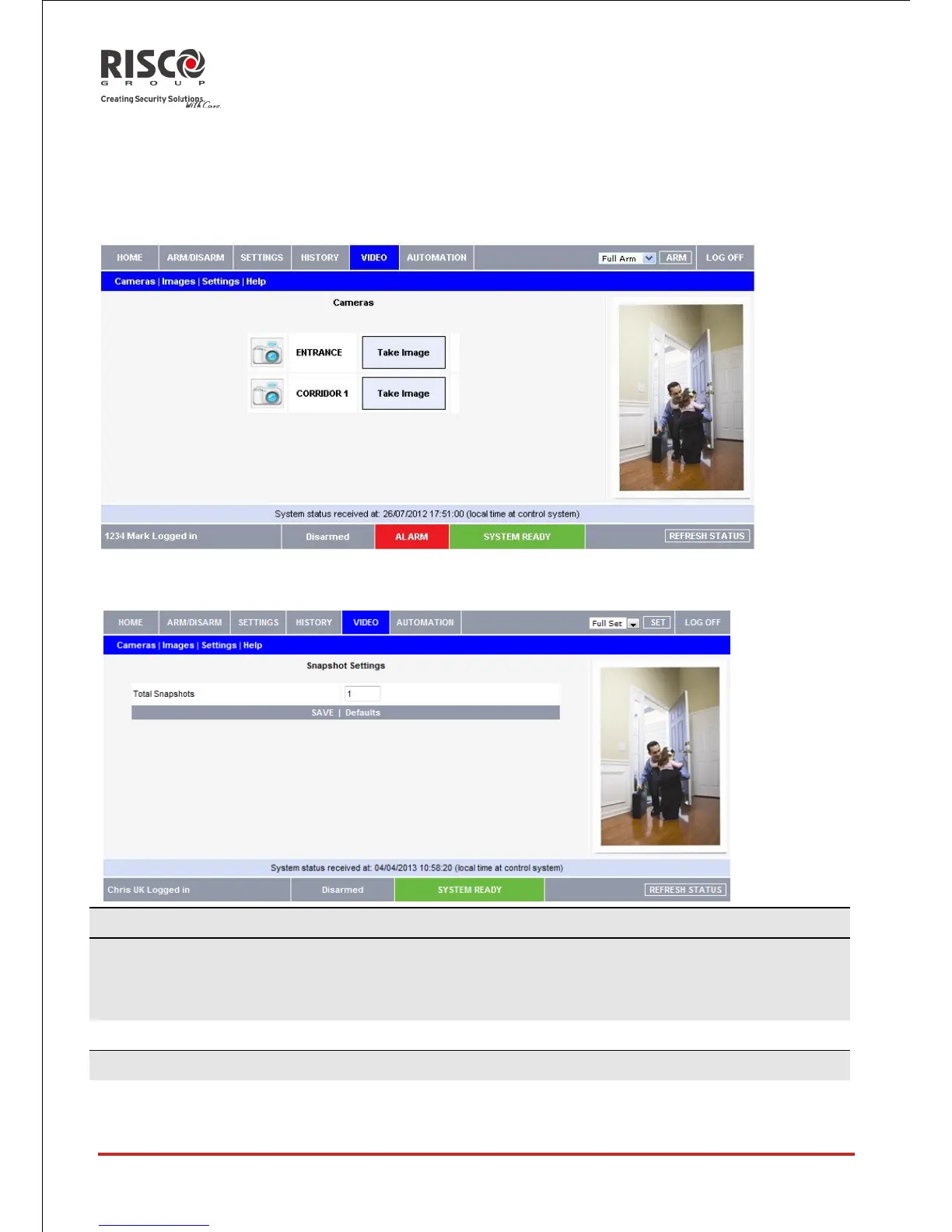
Using the 2-way wireless video verification PIR detectors installed in your home, the Web
Application enables you to view live images over the Web through the Cameras sub-
menu. Use the Images sub-menu to browse Stored Video Events images.
Use the Settings sub-menu to configure your as follows:
Camera Parameters (Only for 2 Way eyeWAVE PIR Cameras)
Image Resolution
QVGA(1)
QQVGA (160X120)
QVGA (320X240)
VGA (640X480)
Specifies image size, as defined by pixel resolution.
Image Quality
High(1)
High/Low
Specifies the extent of jpeg image lossy compression (Low=more compression, smaller
file size; High=less compression, larger file size)

Table of Contents

Other manuals for Risco Agility 3

Related product manuals