Methods of Computer Control
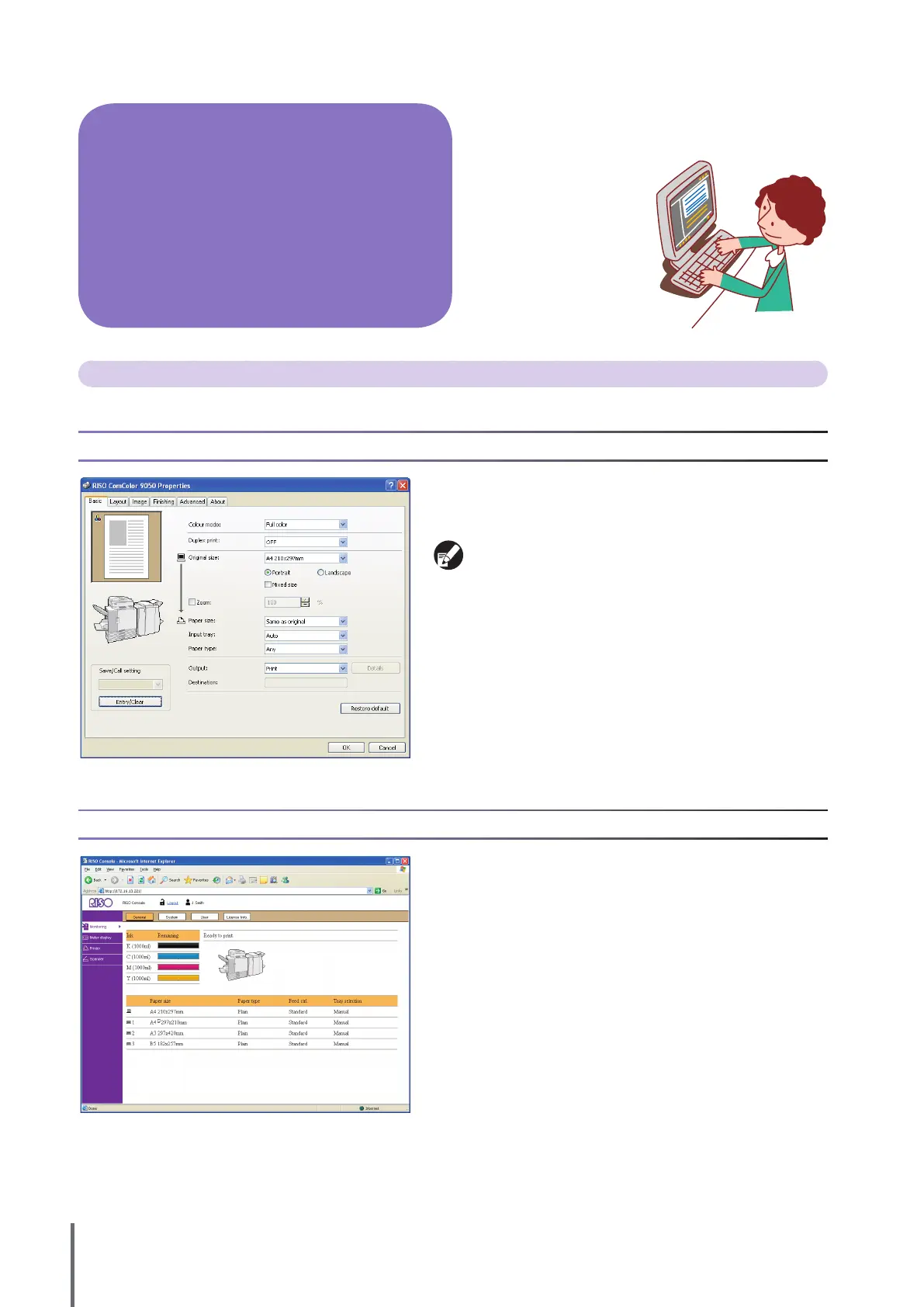
The machine can be controlled from computers in two ways, as follows.
Using the Printer Driver
When printing les created in software programs, complete
settings in the printer driver and send the jobs to the machine.
(S
ee p. 26.)
The printer driver must be installed on any computers you will
print from.
Using the RISO Console
Using the RISO console enables you to check and manage machine
settings and print jobs from computers. (S
ee p. 74.)
From computers, several operations, in addition to simply
sending print jobs to the machine, are possible. Even from
remote locations, you can
use the RISO Console
application (software) to
check printing status and
consumable levels.
Operations from Computers
ComColor Series Basic Guide 02










 To Next Page