42
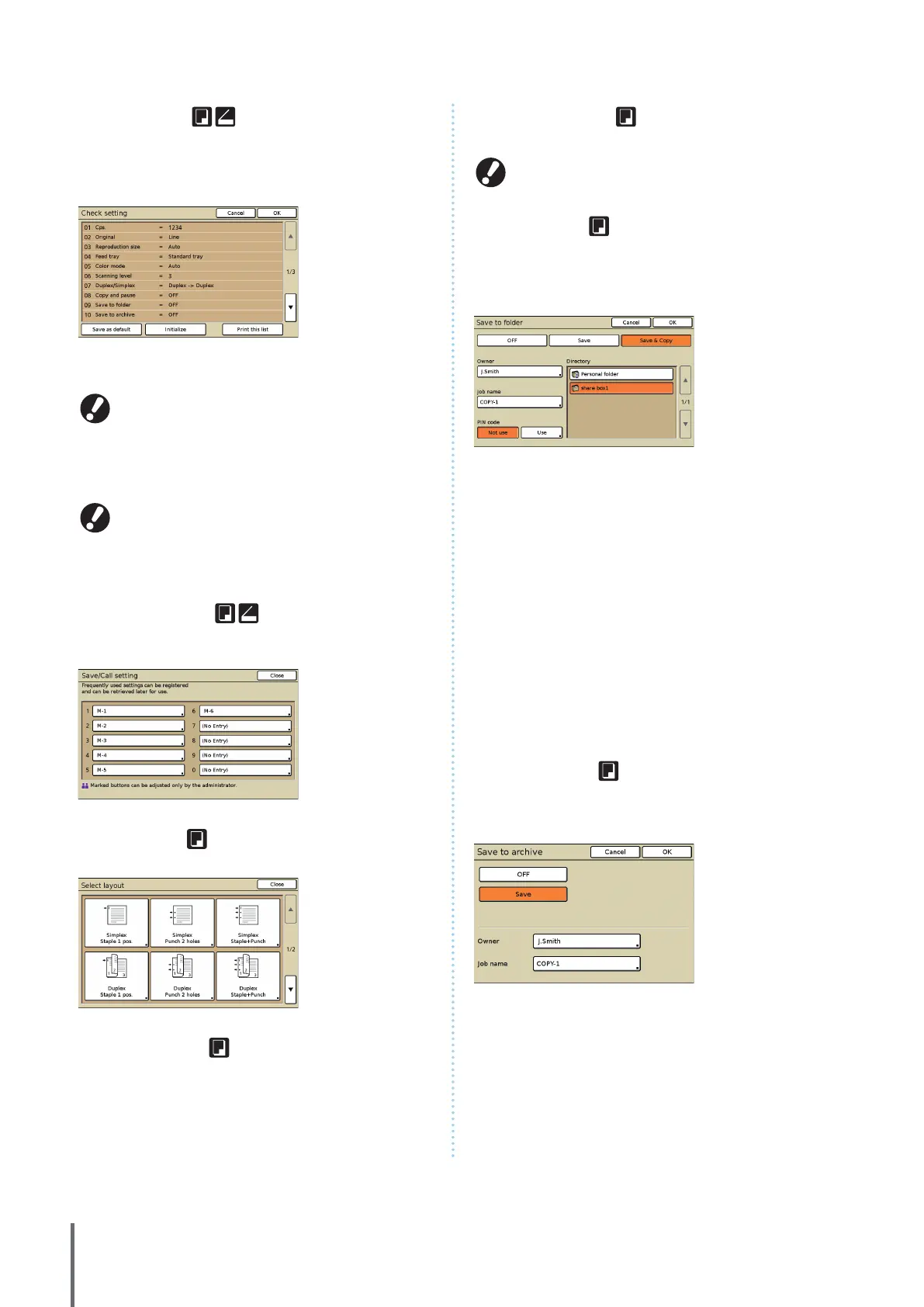
[Check setting]
Check current settings, restore the default settings set by the
administrator.
Current settings can also be registered as the default settings
for each user.
[Save as default]
Register the listed information as default settings.
This button is grayed out in environments when login is not
necessary.
[Initialize]
Clear the listed information and restore the values set initially by the
administrator.
This button is grayed out in environments when login is not
necessary.
[Print this list]
Print the listed settings information.
[Save/Call setting]
Save and recall frequently used settings information.
For details, see “Saving Frequently U
sed Settings” (p. 53).
[Select layout]
Select a layout from preset nishing options.
[Copy and pause]
Print just one copy of a job before high-volume copying to
conrm that the nish and settings are correct.
[Additional copies]
Print another copy of the previous copy job.
These buttons are grayed out when you have executed
auto reset, or if you have logged out.
[Save to folder]
Save scanned originals as data in job folders on the machine.
Because settings are also saved, this feature is convenient
when printing additional copies of the same copy job at a
later time.
[OFF]
Do not save copy jobs.
[Save]
Save copy jobs in a job folder.
[Save & Copy]
Save copy jobs in a job folder and then print them.
[Owner]
Identify the owner of jobs to save.
[Job name]
Identify jobs to save.
[PIN code]
Specify whether to assign a PIN code for jobs to save.
[Directory]
Specify the storage destination for copy jobs.
[Save to archive]
When an optional external controller (ComColorExpress
IS900C) has been connected, save scanned originals as data
on the controller.
[OFF]
Do not save the copy job.
[Save]
Save copy jobs in a controller.
[Owner]
Identify the owner of jobs to save.
[Job name]
Identify jobs to save.
ComColor Series Basic Guide 02










 To Next Page