78
If you access via the RISO console, you can check the
machine’s status and settings from your computer and
perform job operations without having to actually go to
the machine.
RISO Console Operations
Basic Workow
Start the web browser
Enter the machine’s IP
address
Check, set up, and
manage jobs
The screens displayed vary depending on what optional equipment has been connected and how you have completed settings.
Make sure the machine has been connected to the network.
Some items may not be displayed, depending on how the administrator has congured the settings. For details, ask your
administrator.
•
•
•
Starting the RISO Console
1
Start the web browser.
2
Enter the IP address.
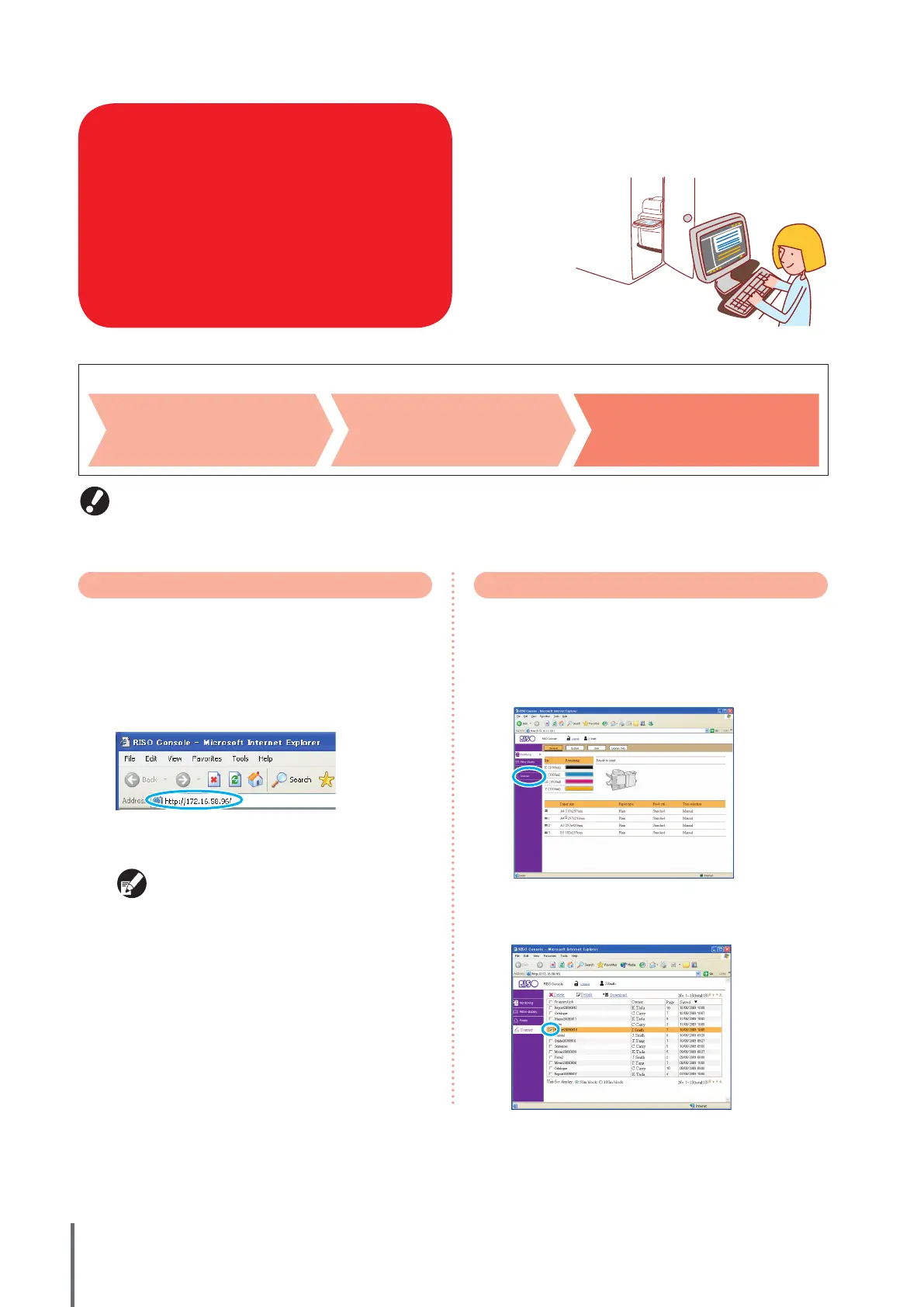
Enter the machine’s IP address in the address bar and press
the [Enter] key.
The RISO console starts up, and the monitoring screen is
displayed.
Ask your administrator for the IP address, as
needed.
Downloading Scanned Images
Download scanned jobs stored on the machine’s hard disk
drive to a computer as follows.
1
Click [Scanner].
2
Select a job to download.
ComColor Series Basic Guide 02










 To Next Page