47
Copying >> Copy Mode Screens
3
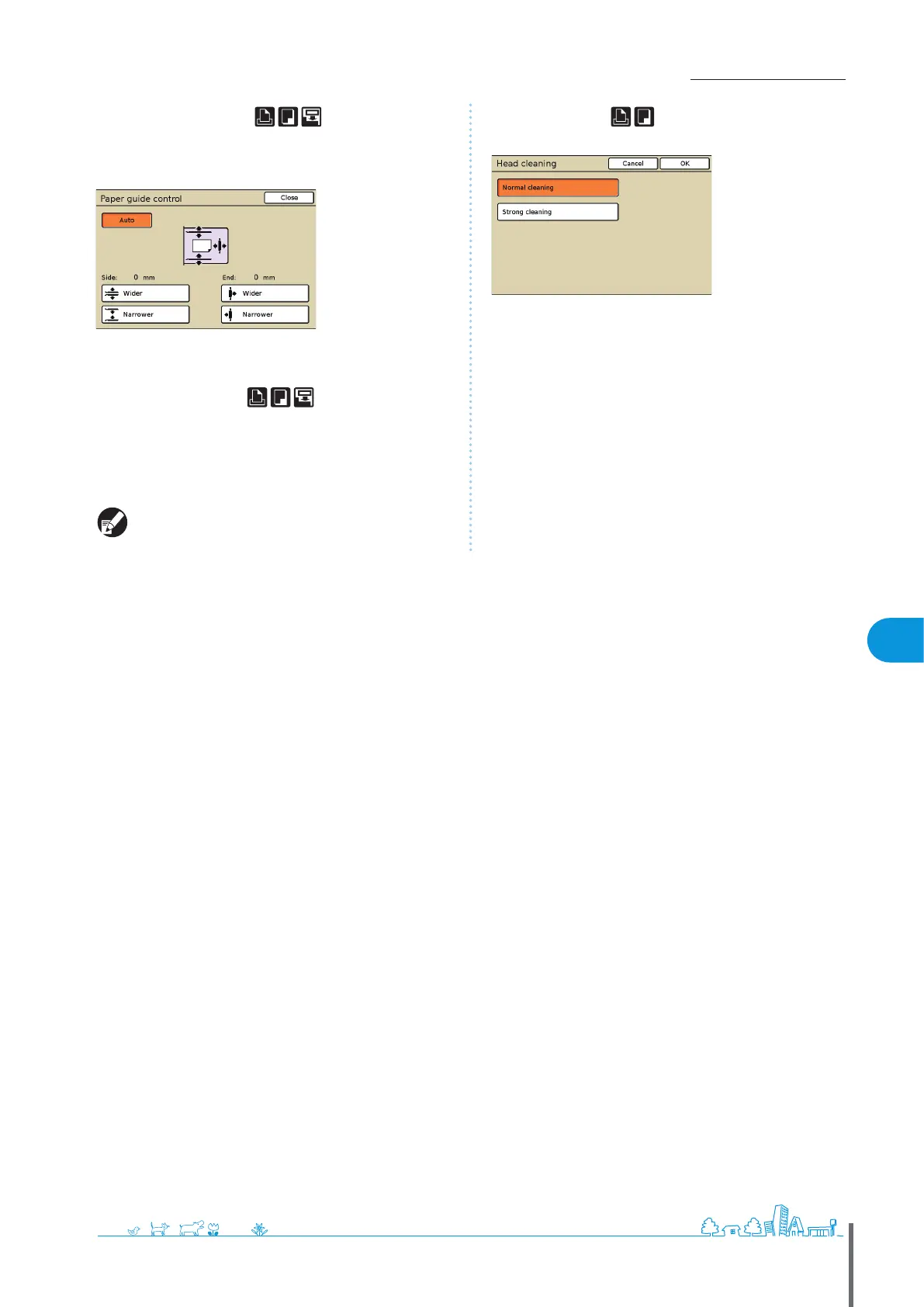
[Paper guide control]
When you have connected an optional RISO auto-control
stacking tray, adjust the position of the paper guides on the
tray.
[Jump wing control]
Specify when using paper that cannot be ejected neatly
under normal settings when an optional stacking tray is
connected.
The button switches between [ON] and [OFF] each time it is
pressed.
[Jump wing control] is only displayed if it has been
registered in advance. To register it or modify the setting,
contact your dealer (or authorized service representative).
[Head cleaning]
Clean the ink heads.
[Normal cleaning]
Head cleaning that is useful in preventing clogging.
[Strong cleaning]
When clear printing is not possible, this option oers more thorough
cleaning than normal cleaning.
[Front doors release]
The front cover of the machine is usually locked, unless
mechanical problems have occurred. To open the front cover,
press this button to select [ON].
ComColor Series Basic Guide 02 ComColor Series Basic Guide 02










 To Next Page