Adding or Switching Paper in the Standard
Tray
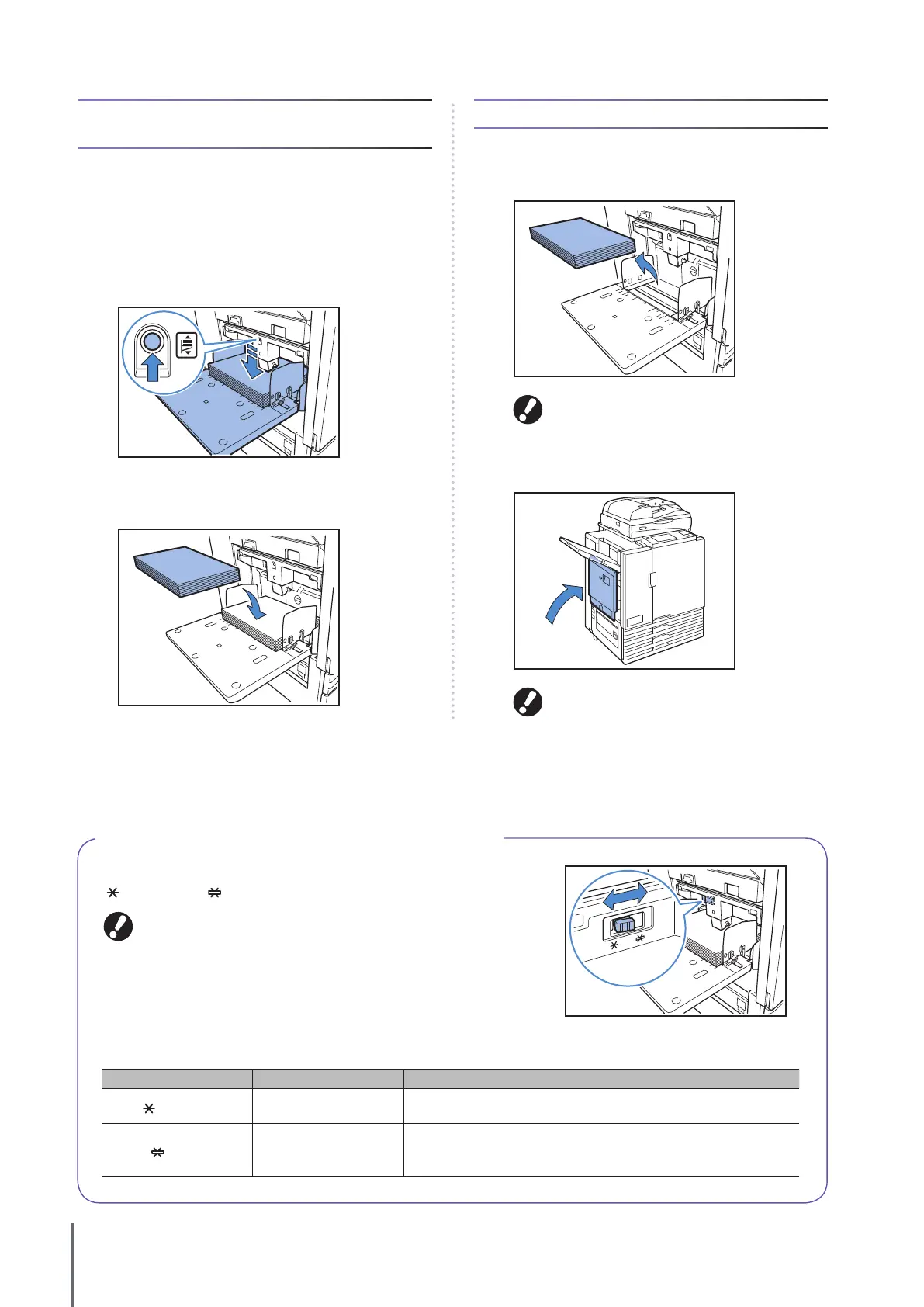
Press the standard tray descent button when loading additional
sheets or when switching paper. Note that the standard tray is
automatically lowered when all paper is removed.
1
Press the standard tray descent button to lower the
standard tray.
Hold the button until the tray reaches the desired position.
2
Load additional paper, or switch the loaded paper.
Closing the Standard Tray
1
Remove the loaded paper.
Make sure the machine is on.
2
Close the standard tray.
Make sure the standard tray is all the way down
before closing it.
About the Paper Feed Pressure for the Standard Tray
You can use the paper feed pressure adjustment lever to adjust the paper
feed pressure to suit the paper that you have set. The lever can be set to
“
(NORMAL)” or “ (CARD)” in accordance with the paper texture.
When you change the position of the paper feed pressure adjustment lever,
also change [Paper feed] in [Change] of the operation panel’s [Feed Tray].
(S
ee p. 39.
)
Paper Feed Pressure Adjustment Lever and Paper
The supported paper textures are as follows.
Lever Position Paper Texture Supported Printing Paper
(NORMAL)
Standard or thin paper
•
Standard paper, recycled paper
• High-quality paper
• Commercially available copy paper,
and similar media
(CARD)
Thick paper or special
paper
•
Drawing paper
• Postcards
• Envelopes
If the machine’s paper feeding is poor, set the lever position to [NORMAL].
ComColor Series Basic Guide 02










 To Next Page