40
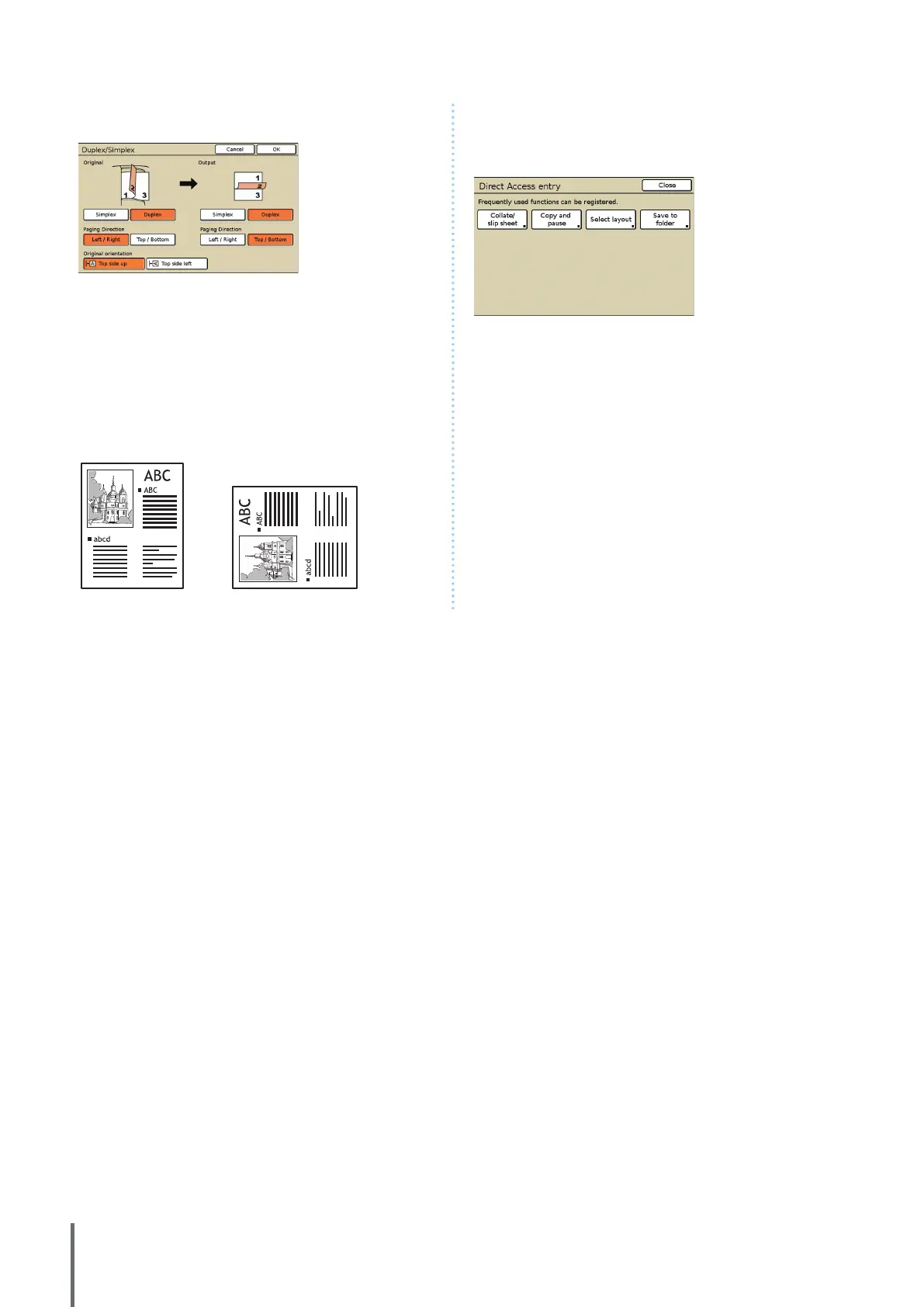
⑥ [Duplex/Simplex]
Specify settings for duplex and simplex copying.
[Original]
Specify sides of the original to scan.
[Output]
Specify whether to produce duplex or simplex copies.
[Paging Direction]
For duplex originals or copies, specify how pages are turned.
[Original orientation]
Specify the orientation of the original.
Top side up Top side left
⑦ [Entry]
Up to four frequently used functions can be registered. These
functions are displayed as buttons at the bottom of the
screen.
ComColor Series Basic Guide 02










 To Next Page