4
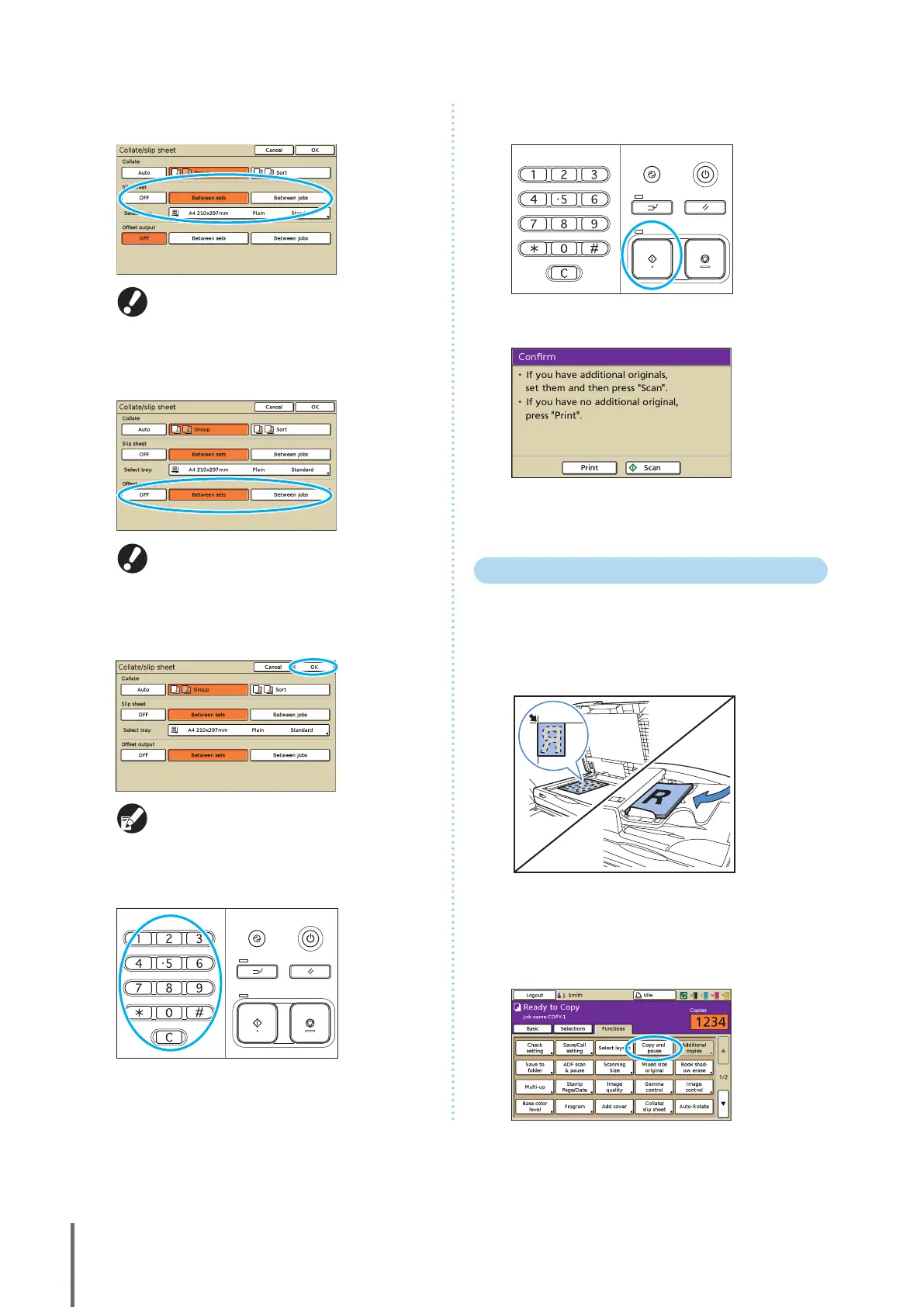
Complete the [Slip sheet] setting.
To insert slip sheets, load the paper to use as slip
sheets in advance, into the tray selected in [Feed
tray].
5
Complete the [Oset output] setting if needed.
These buttons are not displayed unless you have
connected an optional multifunction nisher or
face down oset tray.
6
Press [OK].
Complete other copy settings as needed.
7
Enter the number of copies.
Use the numeric keys for input.
8
Press the [START] key.
When you are using the platen glass, a conrmation message
may be displayed regarding scanning the next original.
Load the next original and press [Scan]. After all originals are
scanned, press [Print].
Copying with Copy and Pause
Before high-volume copying, you can print just one copy
of a job to conrm that the nish and settings are correct.
1
Load the original.
Load the original on the platen glass or in the ADF.
2
Complete the copy settings.
3
On the [Functions] screen, press [Copy and pause].
ComColor Series Basic Guide 02










 To Next Page