76
Printer
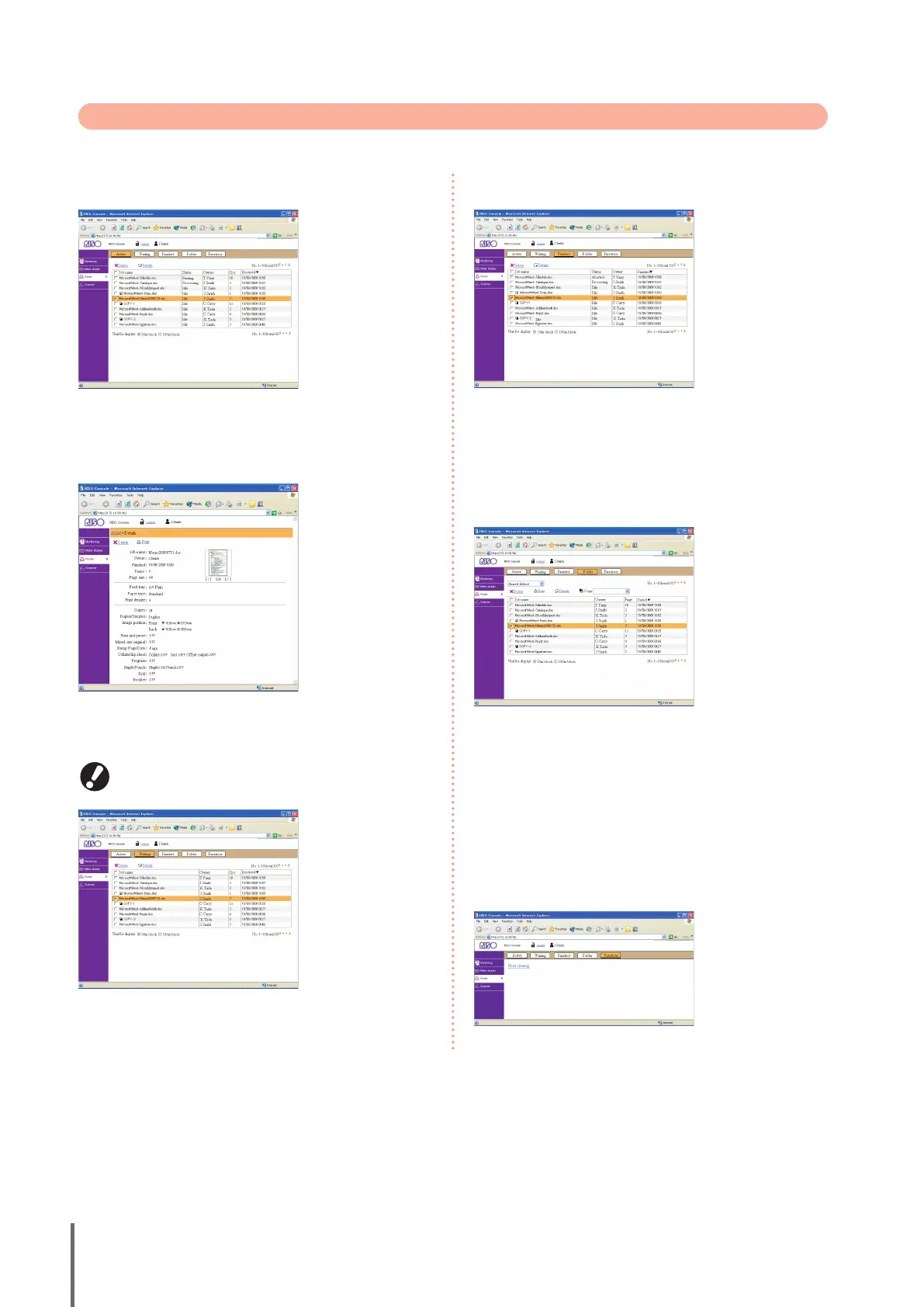
Lists of active and waiting jobs, as well as functions.
[Active]
Indicates active and idle jobs.
[Delete]
Delete selected jobs.
[Details]
Show detailed information of selected jobs.
[Waiting]
Indicates jobs awaiting further user action.
Waiting jobs cannot be printed from the RISO console.
Manage these jobs from the touch panel on the machine.
[Delete], [Details]
See [Active].
●
●
[Finished]
Indicates jobs that have been processed.
[Delete], [Details]
See [Active].
[Folder]
Indicates jobs saved in job folders.
To select a folder where the job to use is stored, click the
pull-down menu in the upper left corner of the screen.
[Print]
Print selected jobs.
[Copy to]
To copy selected jobs to another folder, select the destination in this
pull-down menu.
[Delete], [Details]
See [Active].
[Functions]
Lists machine functions.
●
●
●
ComColor Series Basic Guide 02










 To Next Page