25
Using a USB Flash Drive
Printing Data from a USB Flash Drive
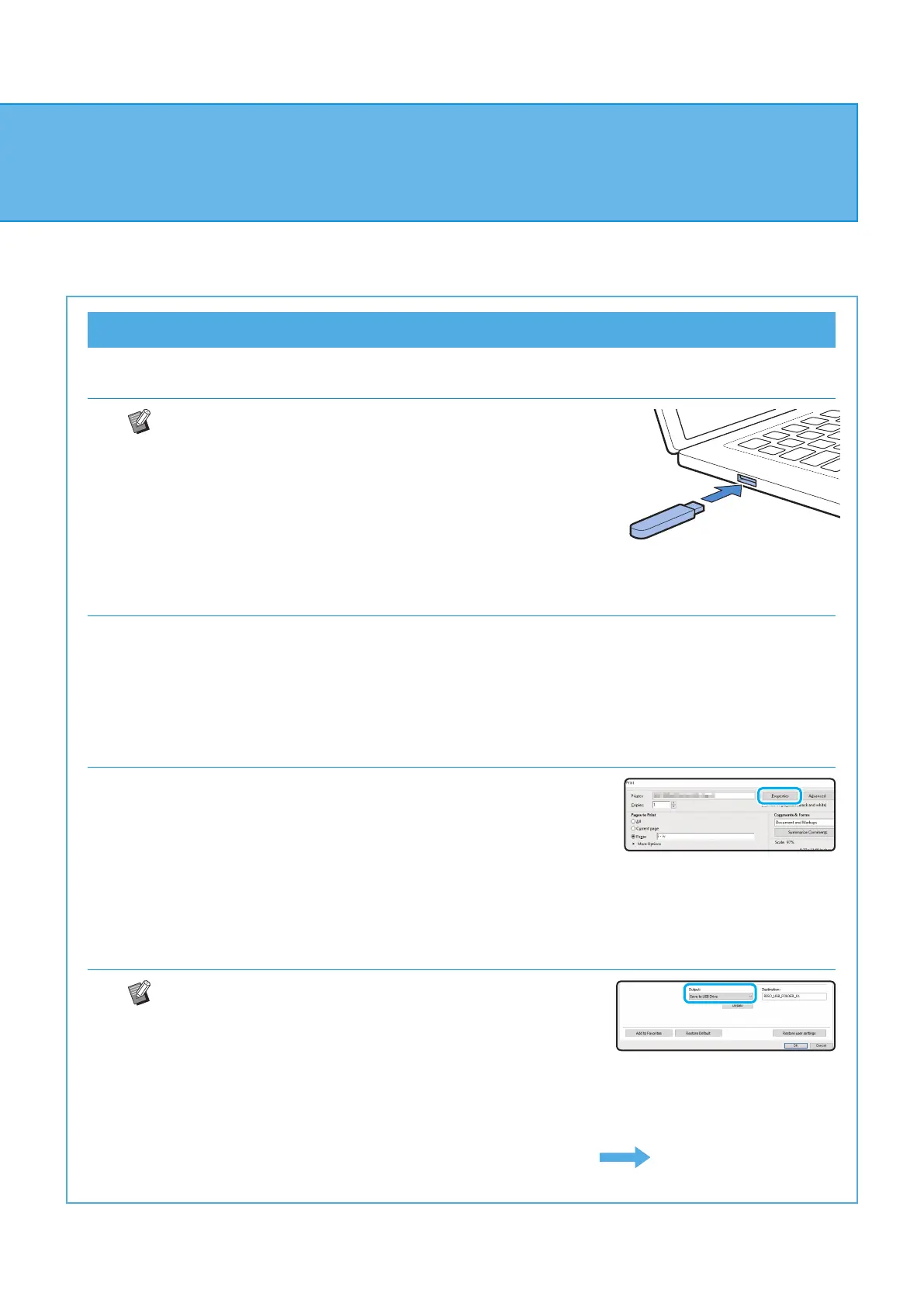
1. Connect a USB ash drive to your computer.
• Only PRN-format files saved from the printer driver of
the machine to the USB ash drive can be printed.
• If you are using the optional PostScript kit, you can also
use PDF files. For more information, see the "User's
Guide".
2. Select the print option from the application.
Open the le that you want to save to the USB ash drive from the application.
3. Check the printer name and click [Properties].
4. Select [Save to USB Drive] for [Output].
• Congure the settings in [Basic] tab on the printer driver
screen.
• Touch [Details] to select the destination folder in the
USB ash drive.
Continued on next page
ComColor FT Series Quick Guide



 To Next Page