26
Using a USB Flash Drive (Continued)
Getting Started
5. Change the other items as needed.
6. Click [OK].
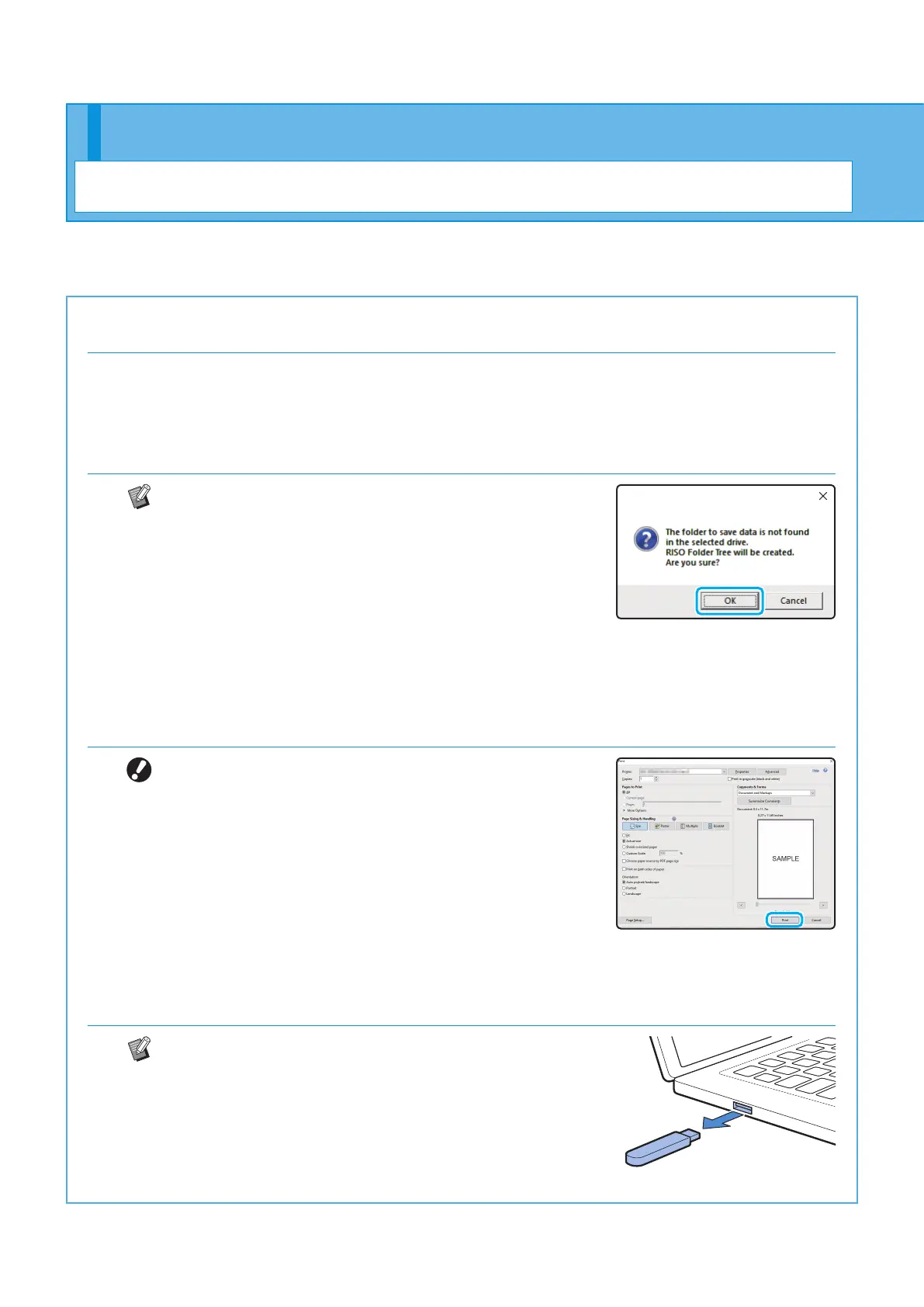
If the USB ash drive does not have the RISO folder
structure, a message asking you to create a new folder
is displayed.
Click [OK] to create a folder required for printing on the
USB ash drive.
When the folder is already created, the message is not
displayed.
7. Click [Print] in the print dialog box.
Do not remove the USB ash drive until saving is
nished. During data saving, a printer icon appears in
the taskbar shown on the computer. When saving is
completed, the printer icon disappears. Make sure that
the icon has disappeared.
8. Remove the USB ash drive.
Make sure that a PRN le has been generated in the
specied folder on the USB ash drive, and then
remove the USB ash drive.
ComColor FT Series Quick Guide



 To Next Page