27
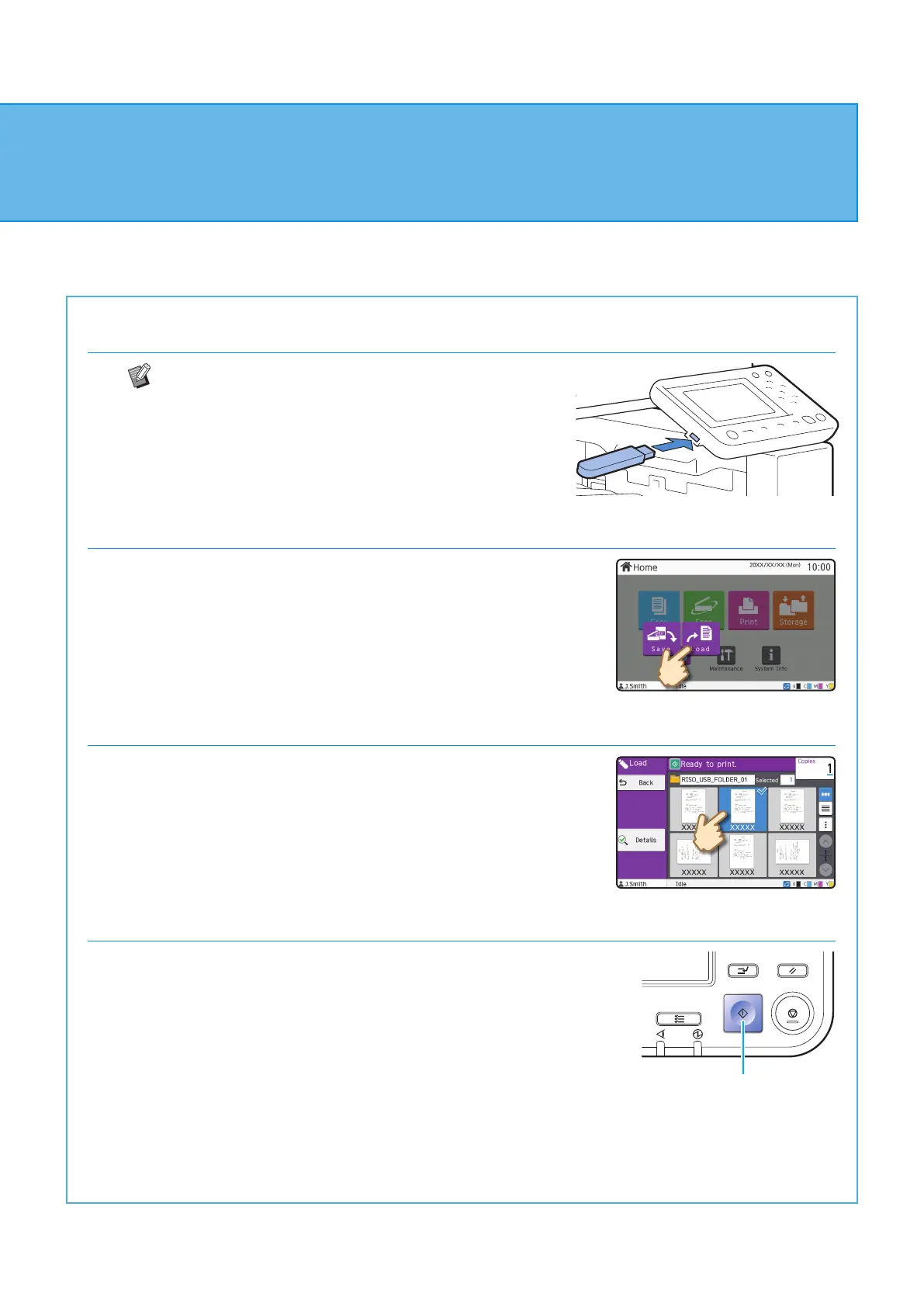
9. Connect a USB ash drive to the machine.
PRN les saved to the USB ash drive from the printer
driver can be printed.
10. Touch [USB] - [Load] on the [Home] screen.
11. Select the document to print.
Select the folder, and touch [Open].
Touch [Details] to display the details of the document.
Enter the number of copies using the numeric keys.
12. Press the [Start] key.
Start
Using a USB Flash Drive
ComColor FT Series Quick Guide



 To Next Page