GD-70D - 70 -
9-1 Environmental Setting 1 "2-9"
The Environmental Setting 1 menu allows you to view and/or change operation settings.
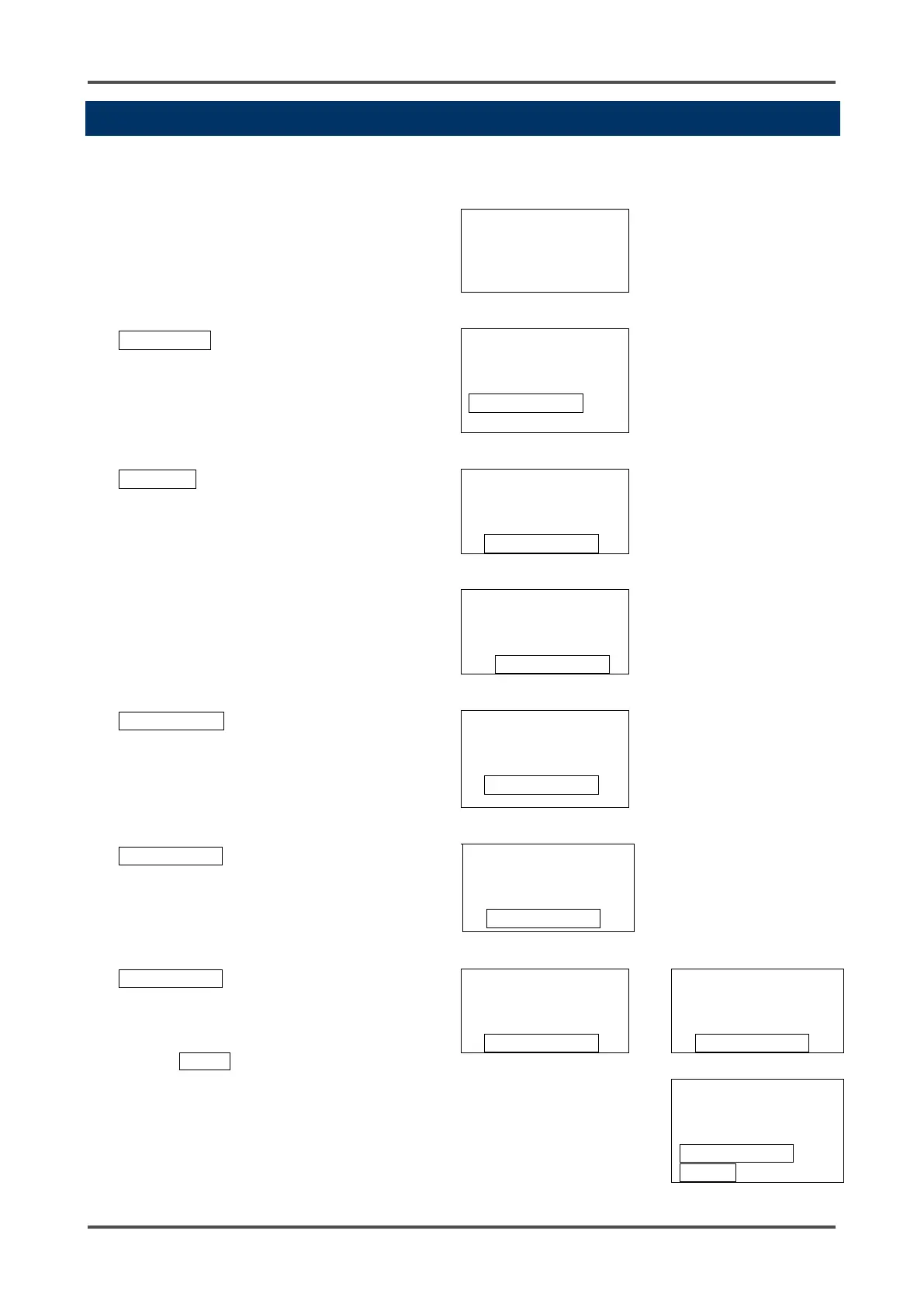
Environmental Setting 1
From Detection Mode, press
and hold the MODE key for
three seconds.
SIH4
Press the ▲ key until the
Maintenance Mode screen
displays. (For GD-70D-EA
units, the Maintenance Mode
M MODE
MAINTENANCE
In "1-8.M MODE", press the
SET key.
M MODE
Then press and hold the SET
key again for three seconds.
M MODE
The first item in Maintenance
Mode will display.
GAS TEST
MAINTENANCE
Press the ▼ key until the
SETTING1 screen displays.
SETTING1
MAINTENANCE
Select either ON or OFF, and
then press the SET key to
confirm the selection.
When ON is selected, the
message INHIBIT is
displayed on the LCD. Any
alarms triggered in Detection
Mode are not communicated
to the relays or to the 4-20
mA output.
INHIBIT
SET
INHIBIT
▲↓ ↑▼
▲
▼
INHIBIT
MAINTENANCE



 To Next Page
 Loading...

