GD-70D - 74 -
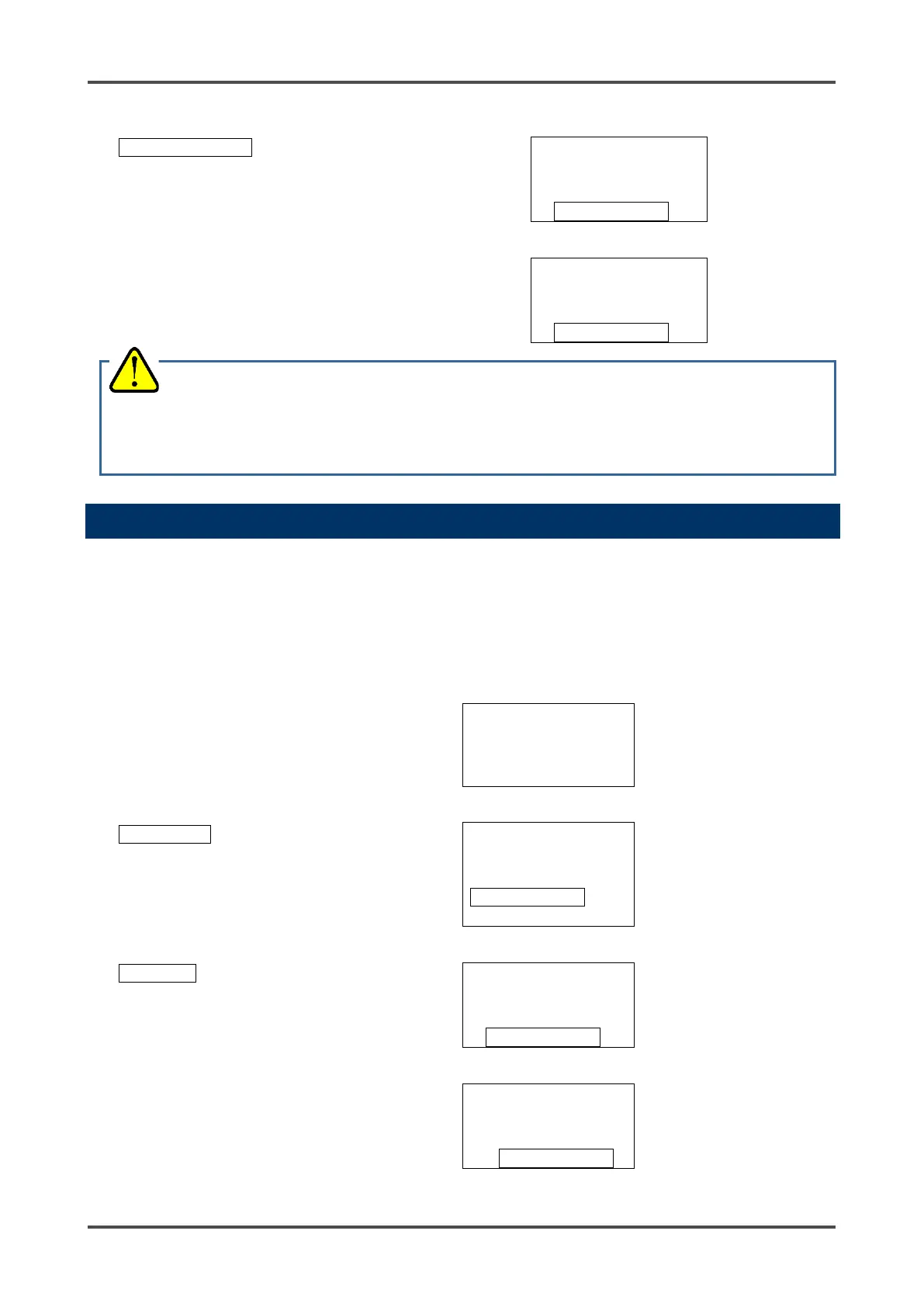
With ON displayed, press the SET key to
activate the fault alarm.
With OFF displayed, press the SET key
to deactivate the fault alarm.
(You can also press the MODE key to
cancel this menu and go back to the
original state.)
F TEST
▲
▼
F TEST
9-4 Environmental Setting 2 "2-10"
The Environmental Setting 2 menu allows you to view and/or change function settings. (* It is
recommended that any setting changes made be recorded in a log.)
Settings found in the Environmental Setting 2 menu are factory set and do not normally need to be
changed. Be careful not to change these settings by mistake.
Environmental Setting 2
From Detection Mode, press
and hold the MODE key for
three seconds.
SIH4
Press the ▲ key until the
Maintenance Mode screen
displays. (For GD-70D-EA
units, the Maintenance Mode
M MODE
MAINTENANCE
In "1-8.M MODE", press the
SET key.
M MODE
Then press and hold the SET
key again for three seconds.
M MODE
WARNING
Because the contact (fault) can be activated only by a fault alarm test in Maintenance Mode, be careful to
perform the test. The fault alarm test cannot be performed during inhibit.



 To Next Page
 Loading...

