Commissioning and Maintenance
22 © robatherm
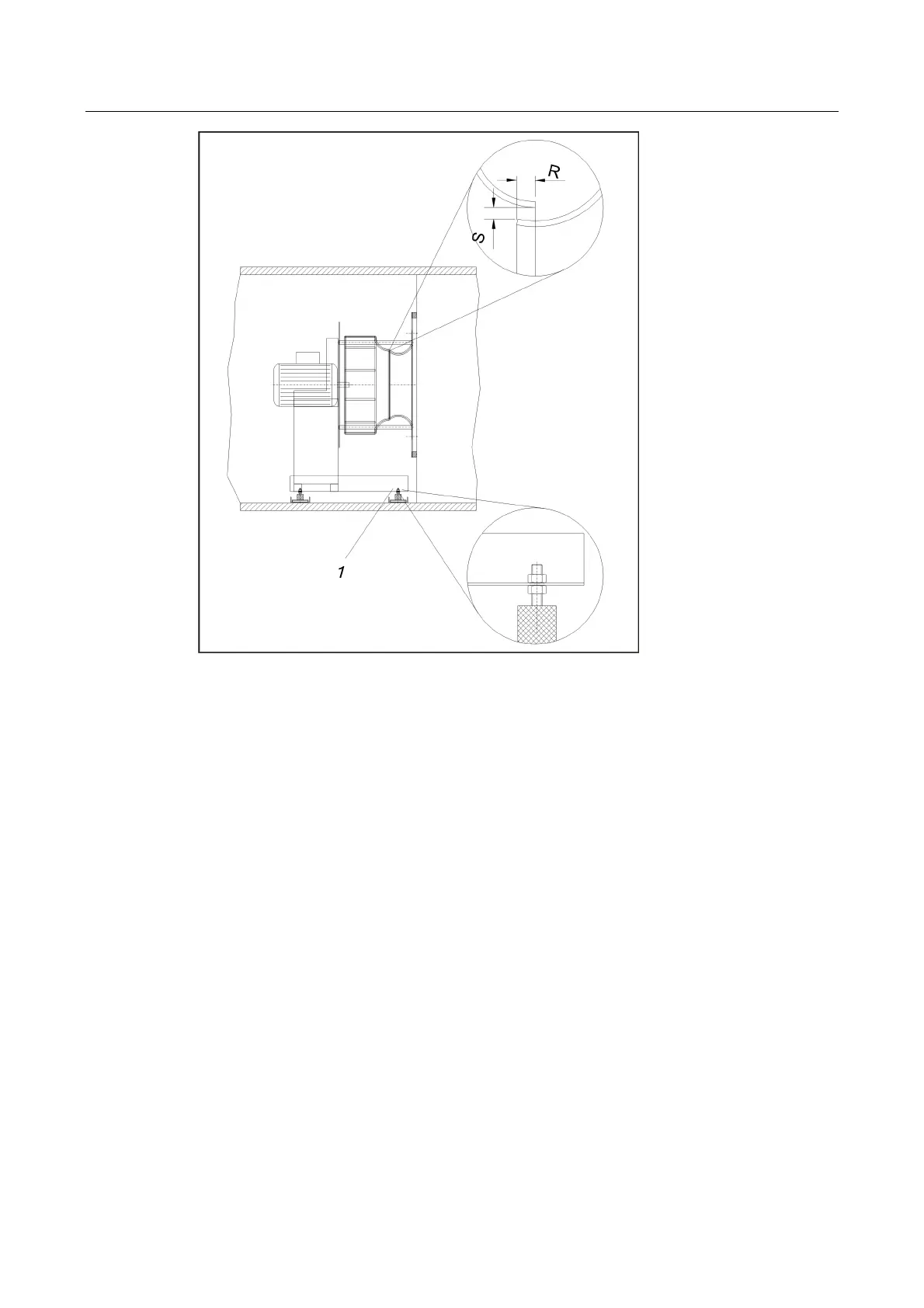
1 – Adjusting/locking nut; S – Gap width; R – Overlap
Pos: 42.9 /Inbetri ebnahme und Wartung/Venti lator/Ventilator _IBN_Antrieb @ 0\mod_125 7957509056_2008.d oc @ 2131 @ 444
Drive
Check friction locking of bushes and hubs (see torque settings).
Check V-belt drive and adjust if necessary
Belt tension (see page 26).
Alignment of belt pulleys (tolerance < 0.4°; d.h. < 7 mm/m).
After a running in phase of 1 to 2 hours:
Retighten V-belt (see page 26). When retightening check for exact alignment of the belt
pulleys and adjust if necessary.
Check the securing screws of bushes and hubs for correct seating and retighten if
necessary (see torque settings).
Direction of Rotation
Check fan direction of rotation is in line with direction arrow on casing by switching on the
motor briefly. If the fan rotates in the wrong direction, reverse polarity of the motor in
accordance with the safety regulations.
Current Consumption
After reaching the fan operating speed immediately measure the current consumption of all
three phases with closed inspection openings.
The measurement values must not exceed the rated values on the nameplate (and with it the
motor nominal power) and only vary slightly from one another. If there is a current overload
switch off immediately and check external pressures, airflow rate and rotational speed. If
phase current is unequal, check motor connection.
Pos: 42.10 /Sicherheitshinweise/IBN&Wartung/!IBN&Wartung_Ventilator_IB N_Achtung2 @ 0\mod_12579577 42150_2008.doc @ 2132 @



 To Next Page