22
6
. Standby mode
The xture can be switched to Standby mode by means of web interface REAP or DMX command (channel
Power/Special functions, DMX values 6-7).
Standby mode can be cancelled by means of web interface REAP, DMX command (channel Power/Special
functions, DMX values 8-9) or by switching the xture o and on.
Standby mode helps conserve power when a xture is not in use, without fully powering it o. The max. power
consumption of the xture in Standby mode does not exceed 20 W ( if the xture is heated, power consumption
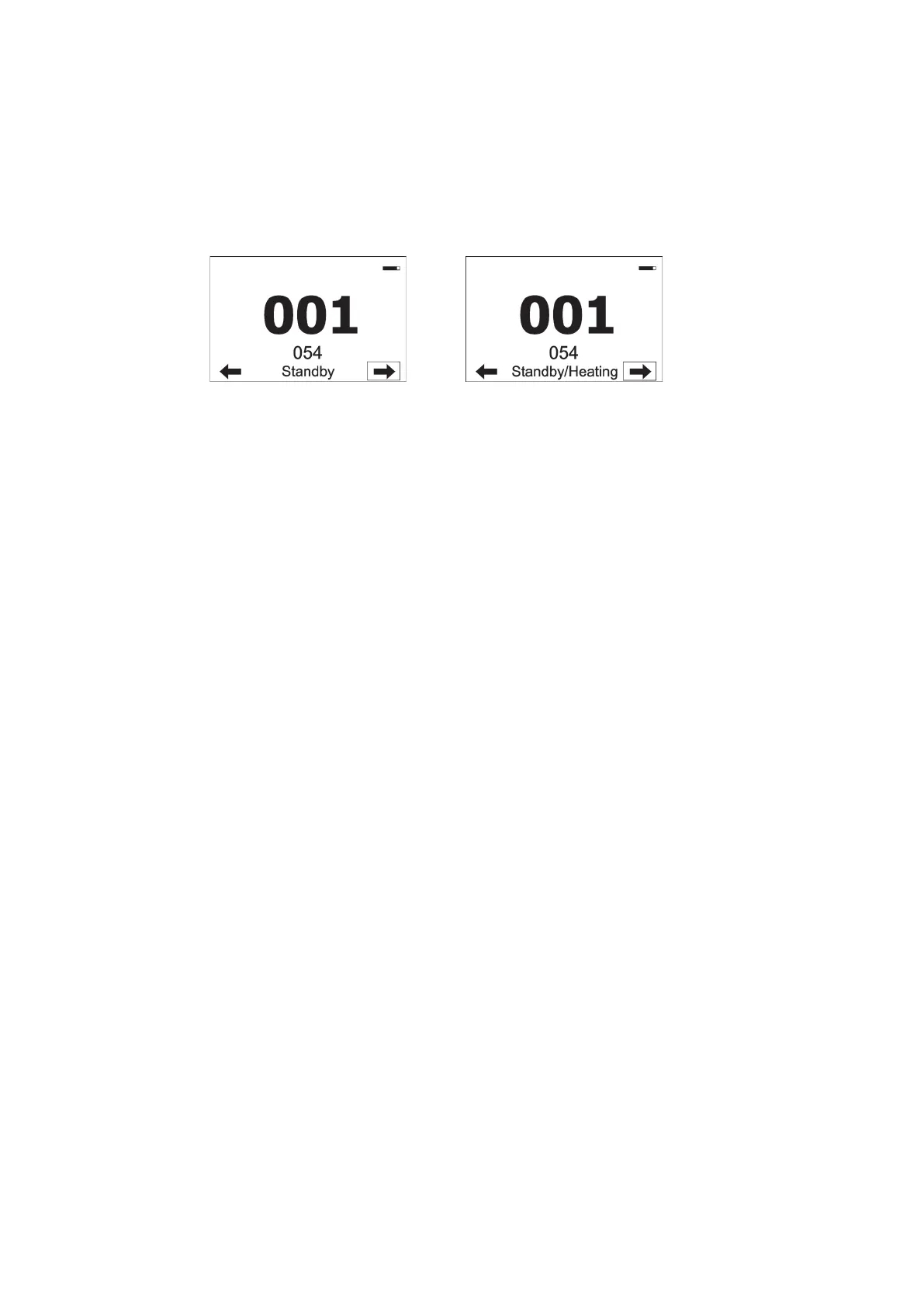
is higher). Standby mode is indicated by a notice on the xture display.
In the Standby mode, the xture display is functional and can be used for setting of the xture, but all motors
and fans are deactivated, light output is closed.
As the xture motors are deactivated, the xture does not respond to DMX values controlling eects but the
channel Power /Special functions can be used for xture settings.
The xture in Standby mode provides information for RDM and REAP and also can be set its behaviour by
means of the RDM and REAP.
Main benets of Standby mode:
- there is not time delay of xture reset at ambient temperatures below 0°C.
- By means of REAP user has current information about xture (settings, temperatures, state of
d
esiccants
in
the xture arm).














 To Next Page